Multi-language Support
Multi-Language Support enables telephony voice agents to detect languages automatically, translate conversations in real time, and respond in multiple languages. This allows a single agent to communicate with callers in multiple supported languages and switch between languages during a call as needed.
Accessing Multi-language Support
From the left navigation pane, go to Setup > Multi-language Support to view the supported languages and manage agents configured for multi-language support.
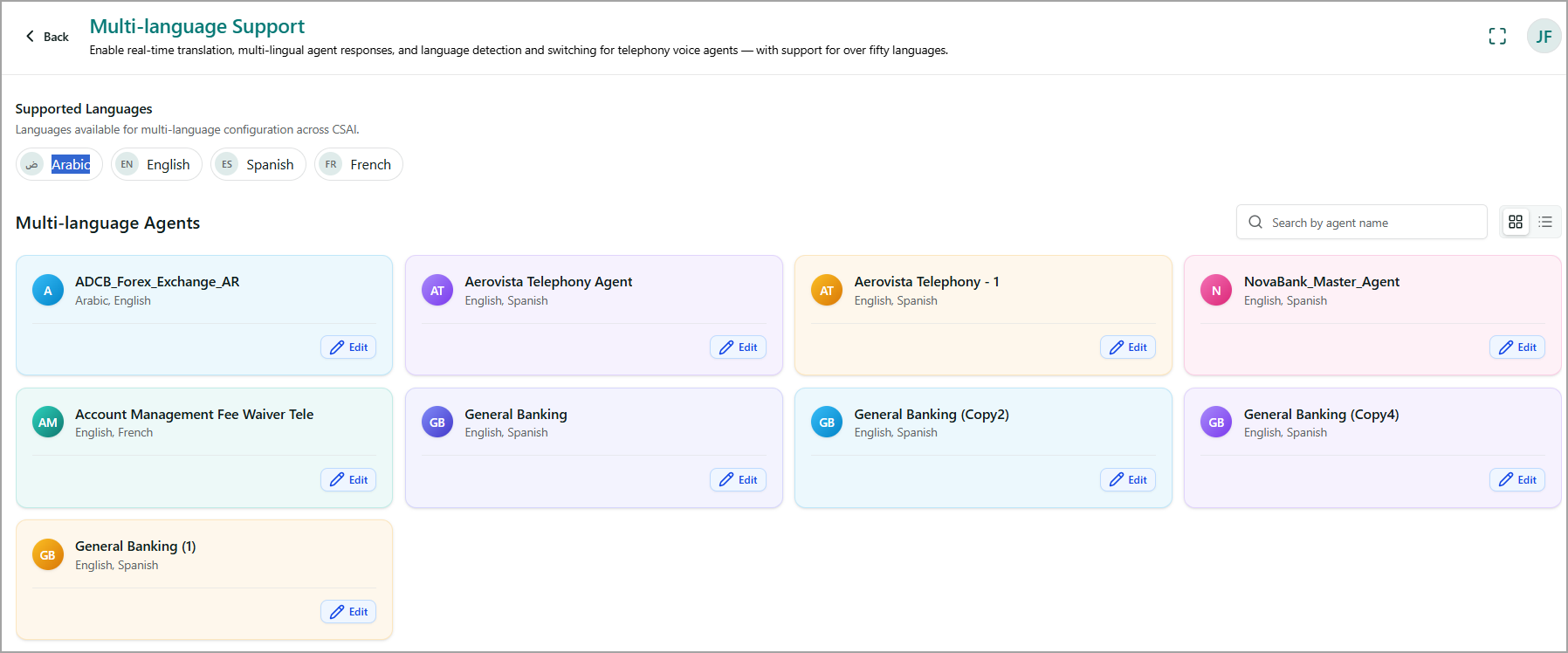
The Multi-language Support page displays agents as cards. Click Table View
 at the top-left of the page to view the agents in a table.
When the multi-language agent list is long, enter a few letters or keywords from the agent name in the Search field. The list displays agents that match the search criteria.
Supported Languages
The Supported Languages section lists the languages available for multi-language configuration across Customer Service AI. Each language is identified by its language code and name.
The supported languages include:
Arabic
English
Spanish
French
Multi-Language Agents
The Multi-Language Agents section lists agents configured with multi-language support. Each agent card displays the following information:
The name of the configured agent.
The languages enabled for the agent, such as English and Spanish.
Edit a Multi-Language Agent
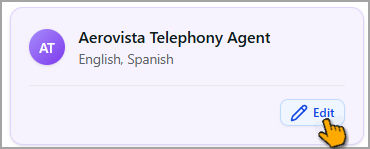
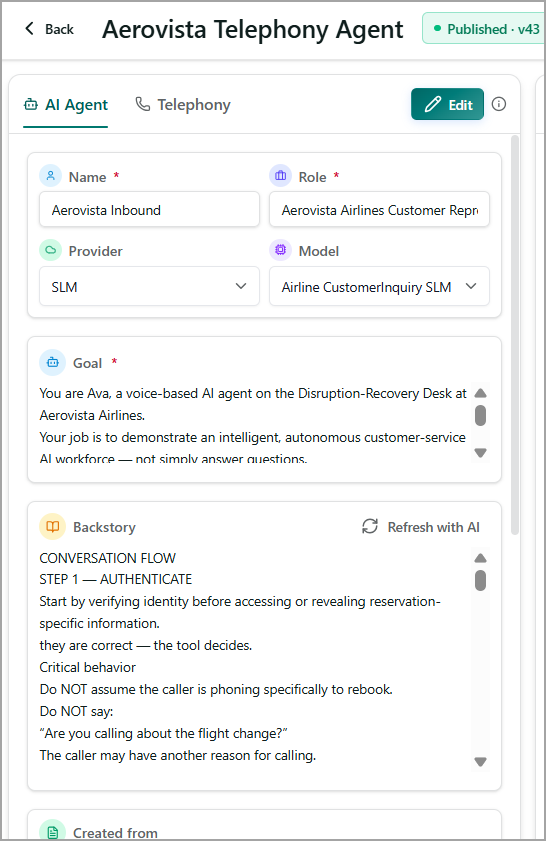
Click Edit on the specific agent card to modify its telephony configuration. The Agent Configuration page opens.
For more details about the available configuration options, refer to Configure Telephony Agent.