Viewing Synced/Uploaded Data
The platform allows you to view the details of enriched documents ingested from a source within a project and dataset.
Go to the top menu and click .
Click Detail on the desired project.
The project detail page opens with its existing dataset configuration.
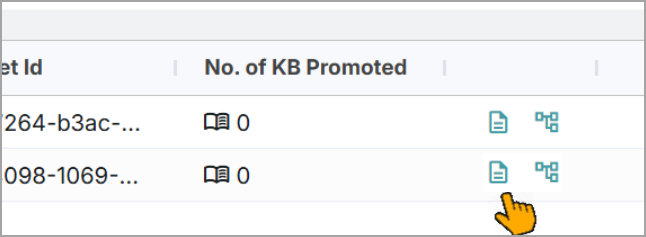
Click the View Documents icon on the dataset to view the associated data.
A list of all documents that have been processed within the dataset is displayed.
Click the > icon next to the document.
A side panel opens and displays a list of basic details.
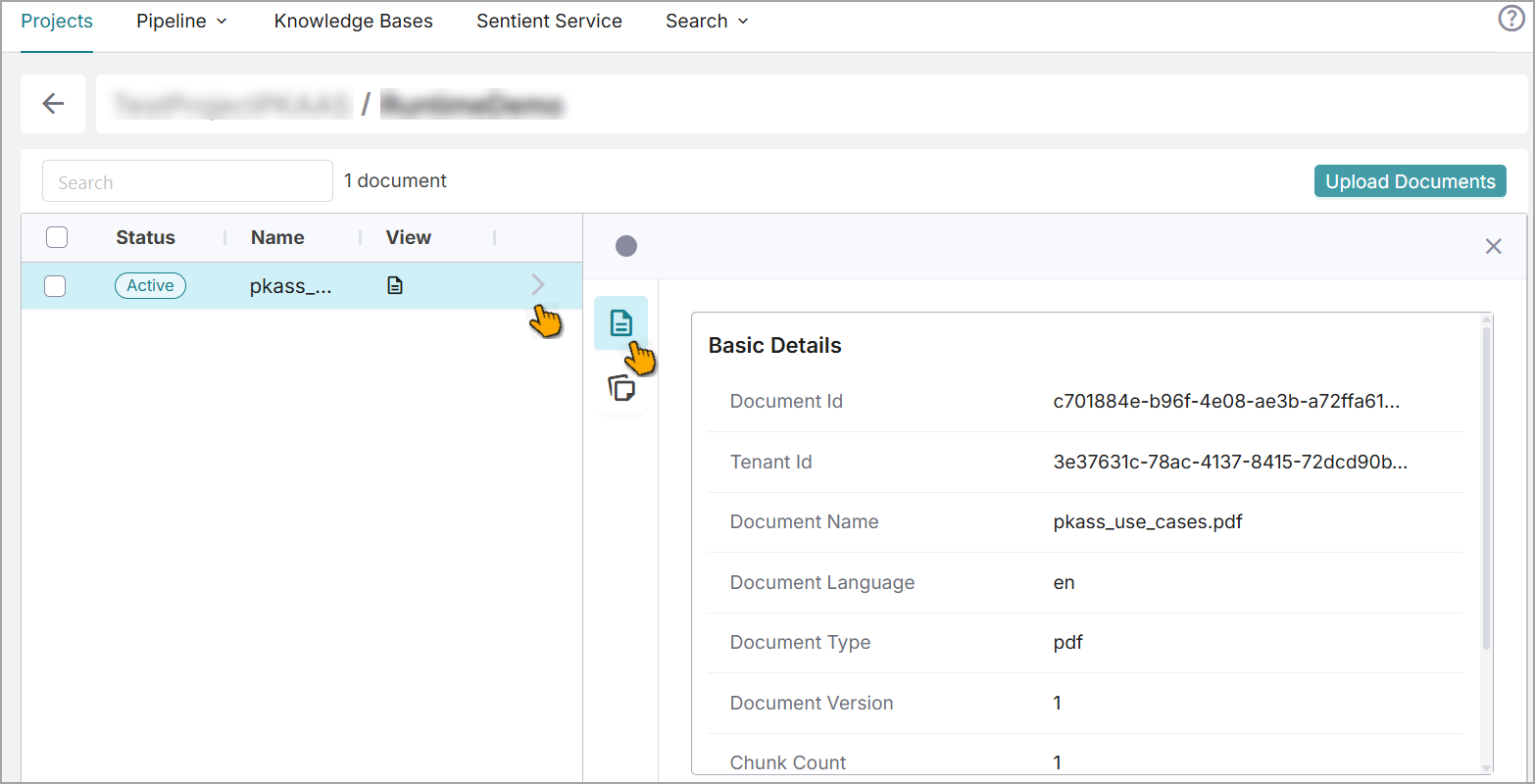
Tip
Hover over a detail and use the
 icon to copy that detail.
Select the Chunks icon to view all the chunk text associated with the document and its total count.
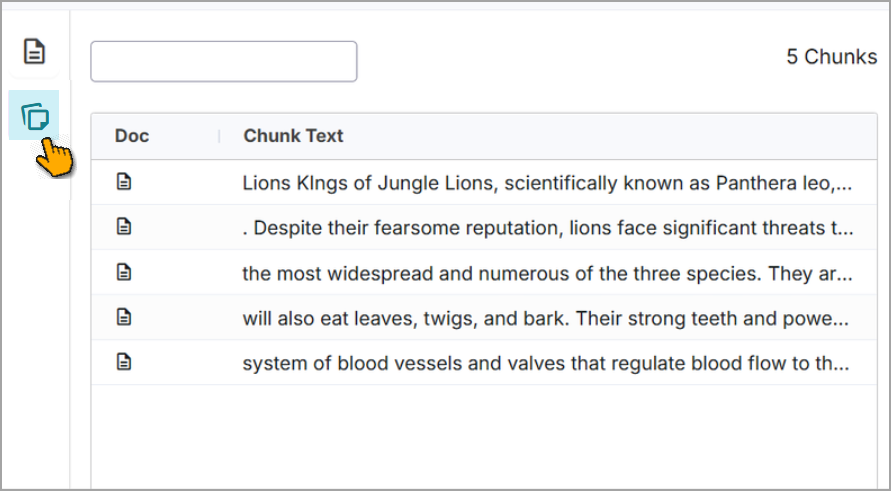
Use the search option to find the required chunks.
Click the
 icon to view the complete chunk. The corresponding chunks are highlighted for reference.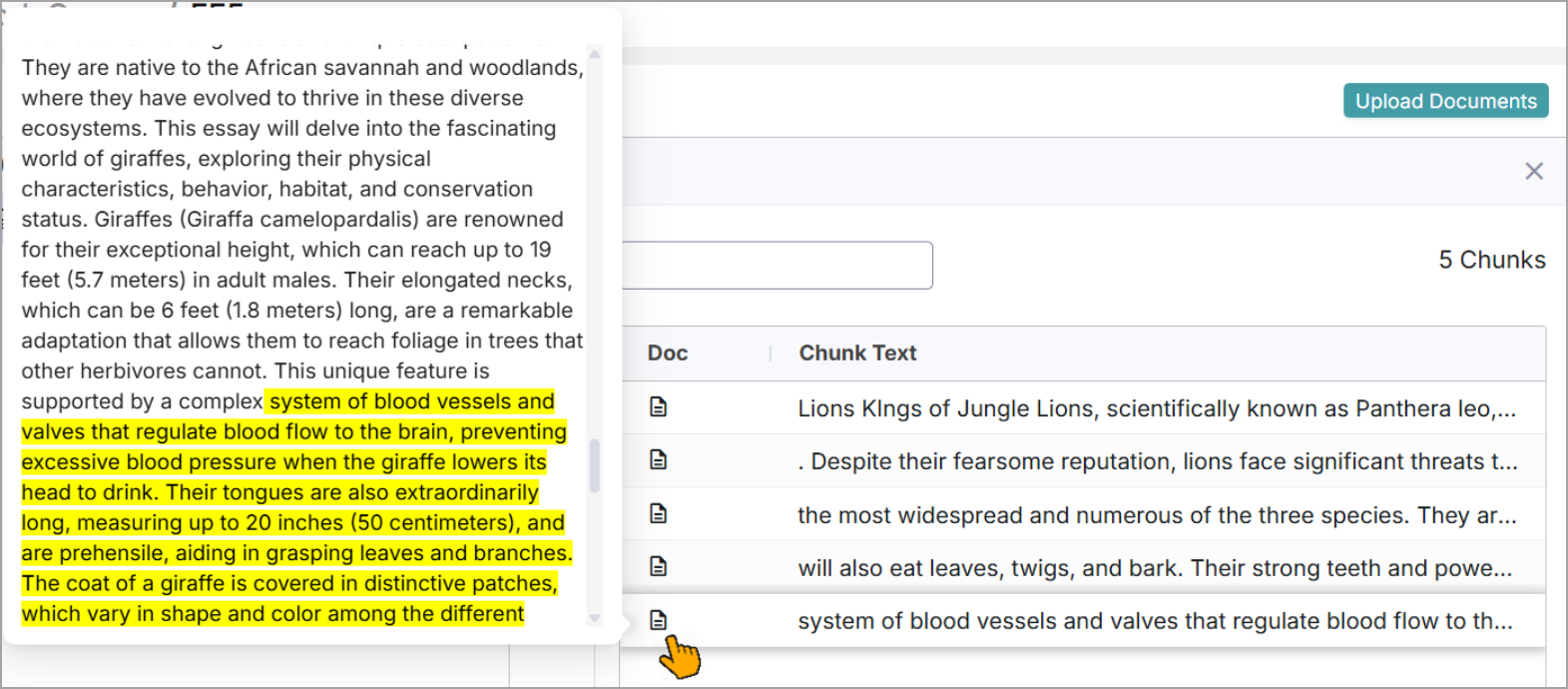
Viewing Text Chunks
You can quickly view all chunks associated with a document within the project details page.
Go to the page > the Project's > View Documents icon.
Click next to the document.
The Chunks Detail page opens and displays the chunks associated with the document.
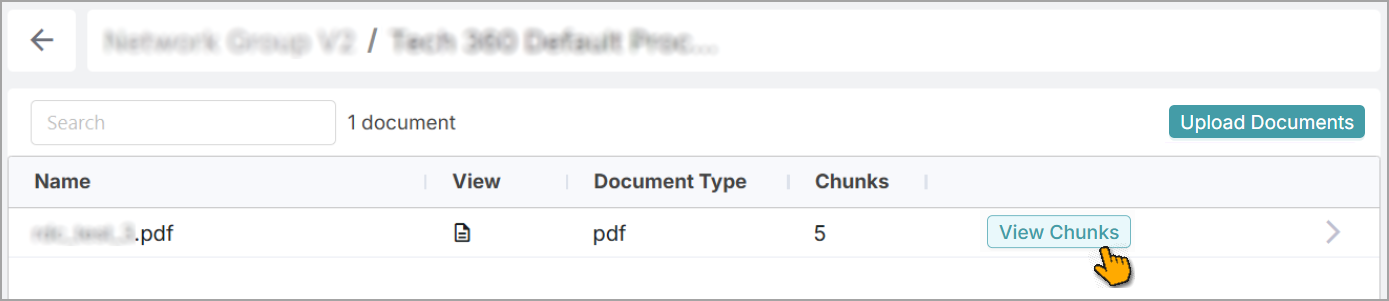
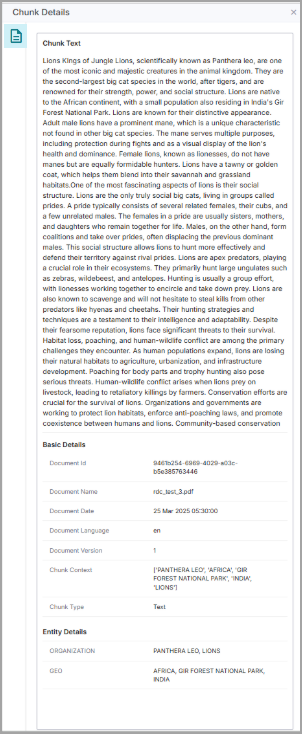
Click the > icon next to the chunk to view its details.
The side panel opens, displaying the texts for the selected chunk along with its additional details.
Tip
Hover over a detail and click the
icon to copy that detail.