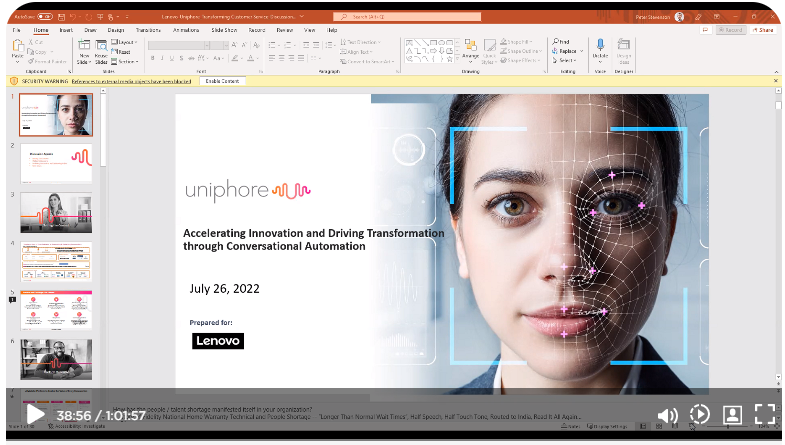
Timeline Track

Clicking at any point in the Timeline Track brings you directly to that position in the meeting for video playback.
Key Moment:
Key moments are displayed as blue balloons above the timeline track. Key moments are hyper-relevant moments within a Meeting or Deal that illustrate strong emotional cues or significant swings in audience sentiment, identified by our EQ/AI engine. They are displayed above the Timeline Track as blue balloons. Clicking on this balloon brings you directly to this position in the meeting for video playback.
Shared Screen Key Moment:
Shared screen key moments are displayed as blue rectangles above the timeline track. Clicking on this rectangle displays the content that was shared by the presenter during the course of the meeting. The shared view helps to analyze the positive/negative sentiment and engagement of the participants at particular moments in the meeting. The sales rep can then modify the sales presentation content to produce a favorable outcome in upcoming meetings.