Summary
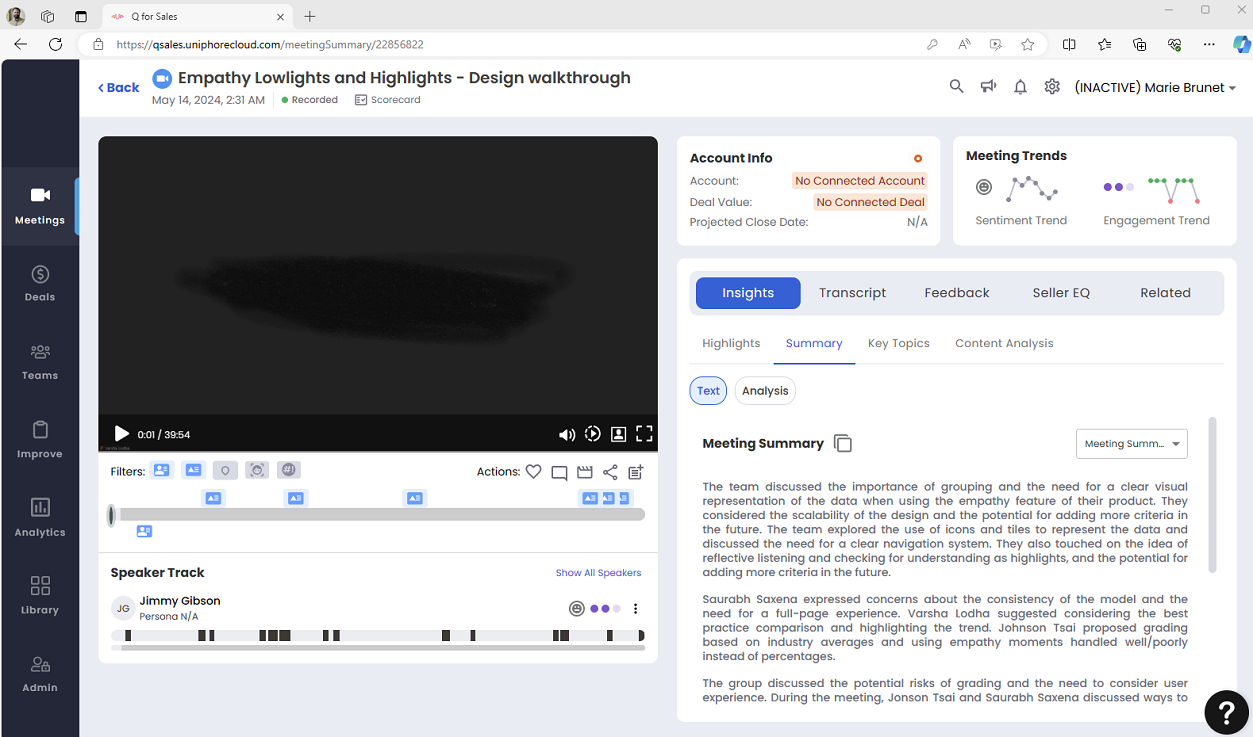
The meetings summary consists of two tabs: Text and Analysis.
Text
The text tab shows the summary of the meetings. User can select Meeting Summary and Customer Facing Summary from the drop-down menu.
Meeting Summary: It provides a detailed description of the conversation held during the meeting. It includes key discussion points, and decisions made.
Customer Facing Summary: It provides key points and essential information from previous discussions, making it easier to maintain continuity and address customer needs effectively. Sellers can quickly copy this summary by clicking the copy icon, ensuring a smooth and professional communication experience.
Analysis
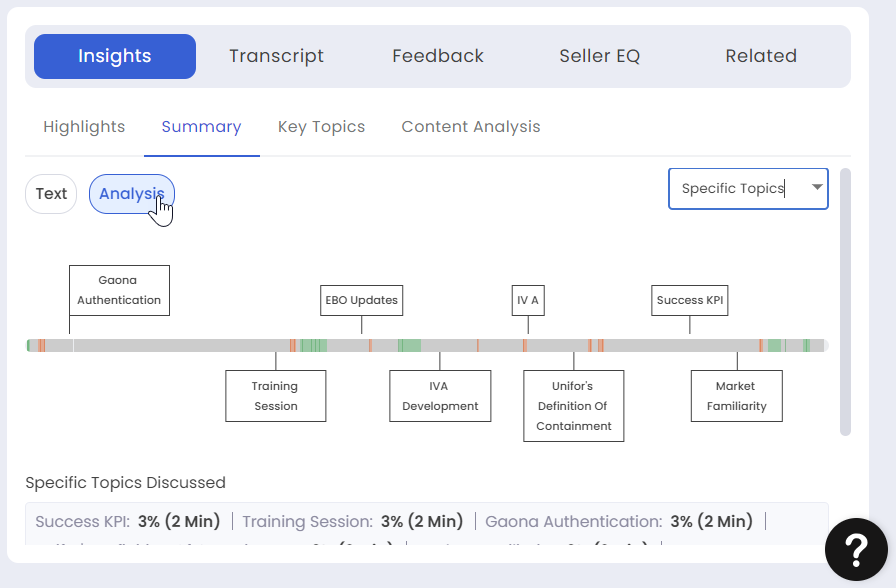
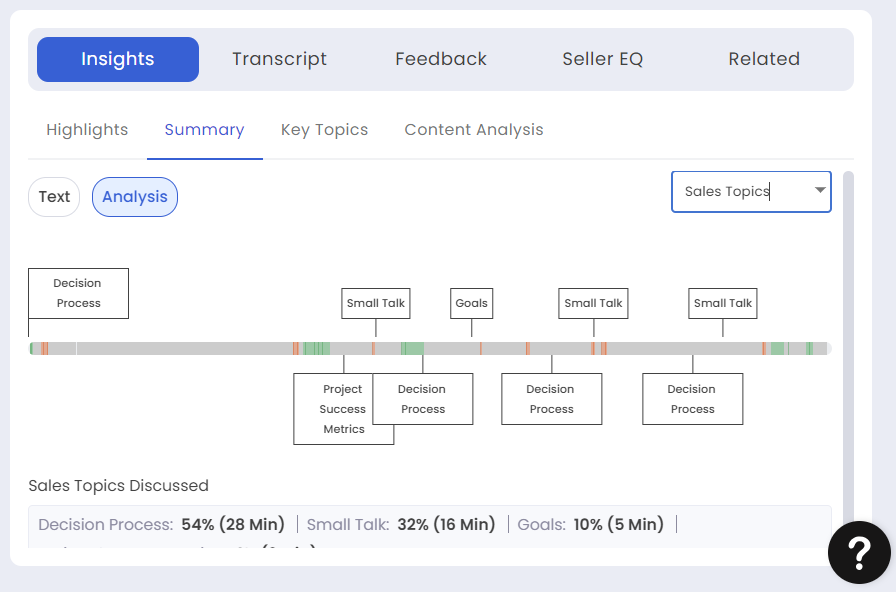
The system runs an LLM on the entire transcript and identifies the keyphrases. These keyphrases are segregated into Specific Topics and Sales Topics. You can toggle between Specific Topics and Sales Topics.
To view the business or sales topics such as decision process, goals, etc., toggle to Sales Topics.
You can toggle and view the Specific Topics from the drop down. Apart from the generic sales topics that are shown in the sales topics there are a variety of organic business specific subjects that are discussed and shown here. This provides a very specific analysis of the meeting to leverage a positive future outcome.
The analysis of the meetings is available in the Deals Summary as well.