Connect your Communication Service
Use this tab to set up and manage email and Slack.
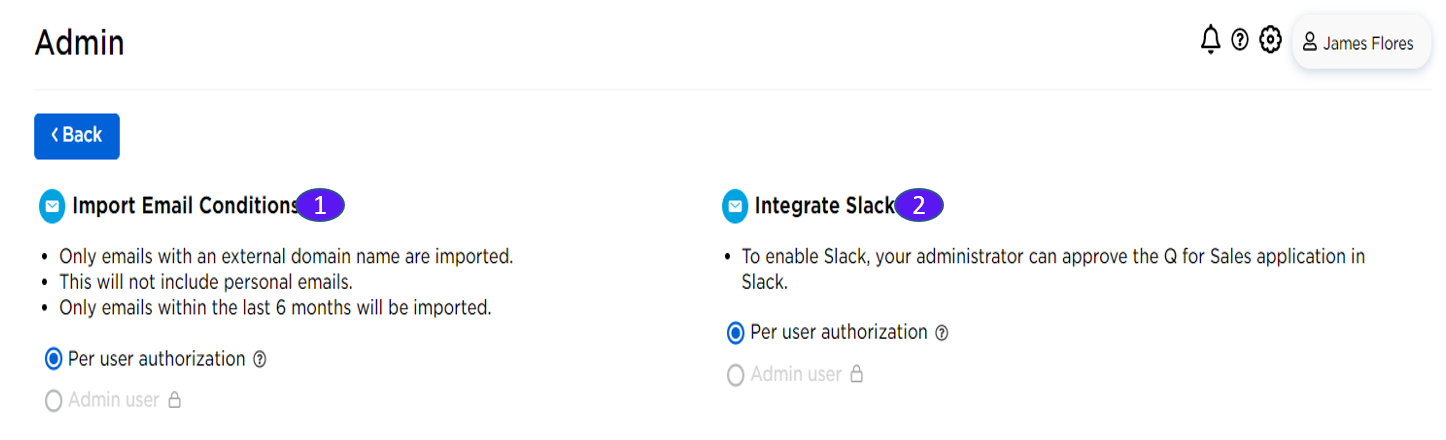
1. Import Email Conditions
To integrate with email systems, the admin will need to set up Q as a trusted app in your corporate email system.
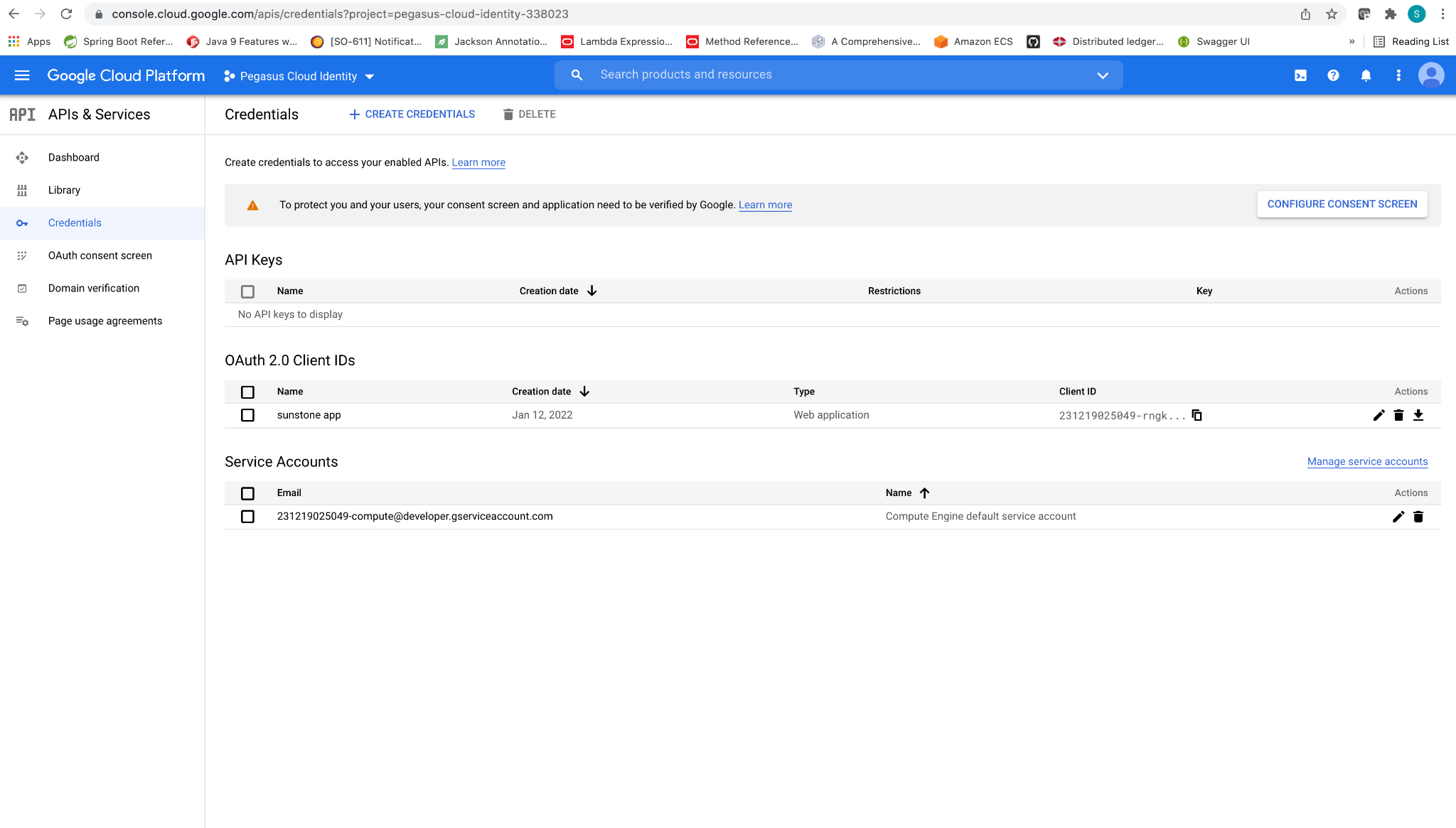
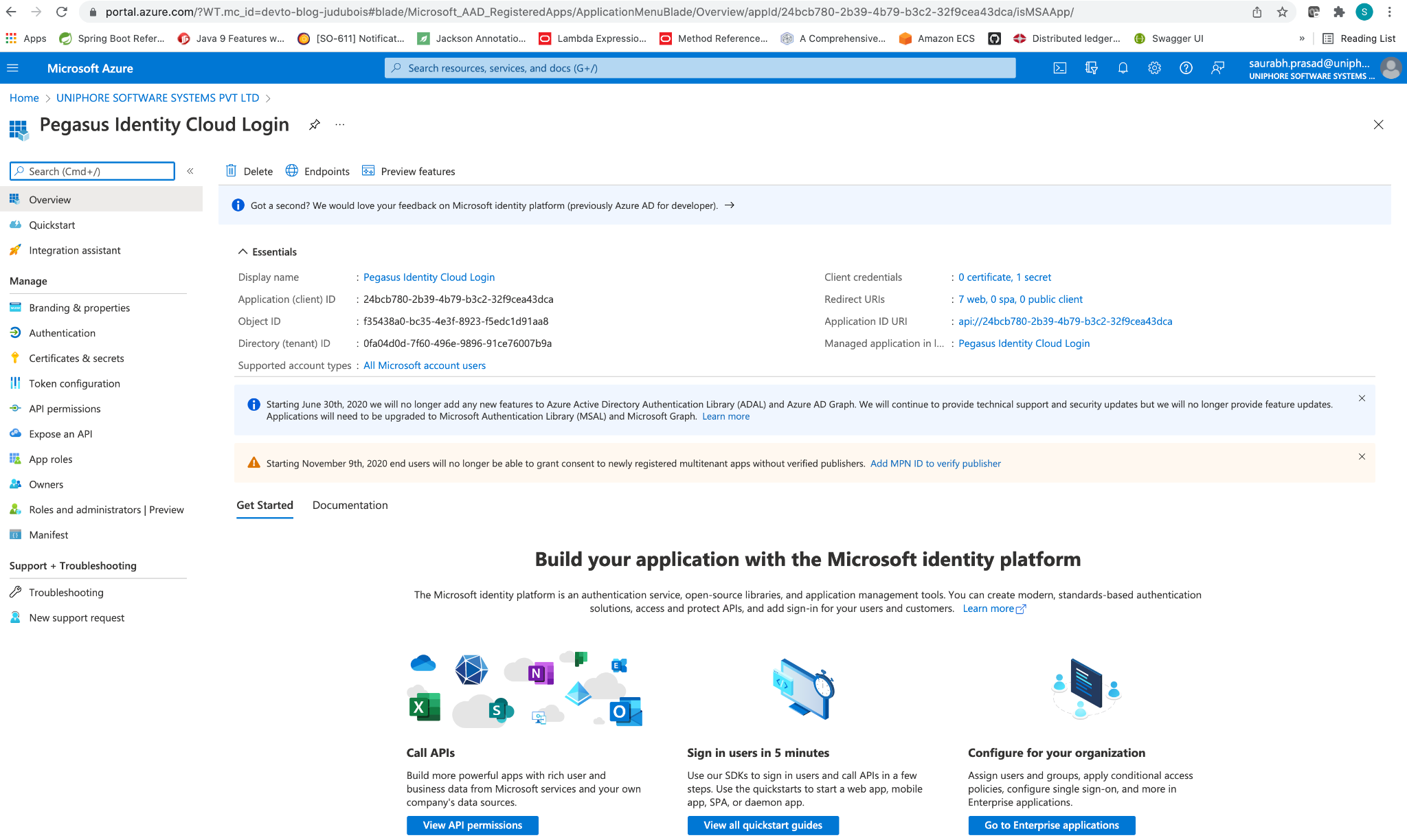
Once the Q is configured inside the email app, the actual email data sync-up is done through individual sales reps’ accounts rather than system administrators. Sales reps authorize emails from the personal page (see Authorize Collaboration under the Users tab).
2. Integrate Slack
Use the Slack configuration to add a token for Slack integration.