Compare SLMs
The platform enables you to compare multiple SLM models side by side in one location, allowing quick performance validation and helping you identify the model that best suits your specific requirements.
To compare SLMs:
Go to the home page > Model > LLM/SLM Management.
Click Compare SLMs.
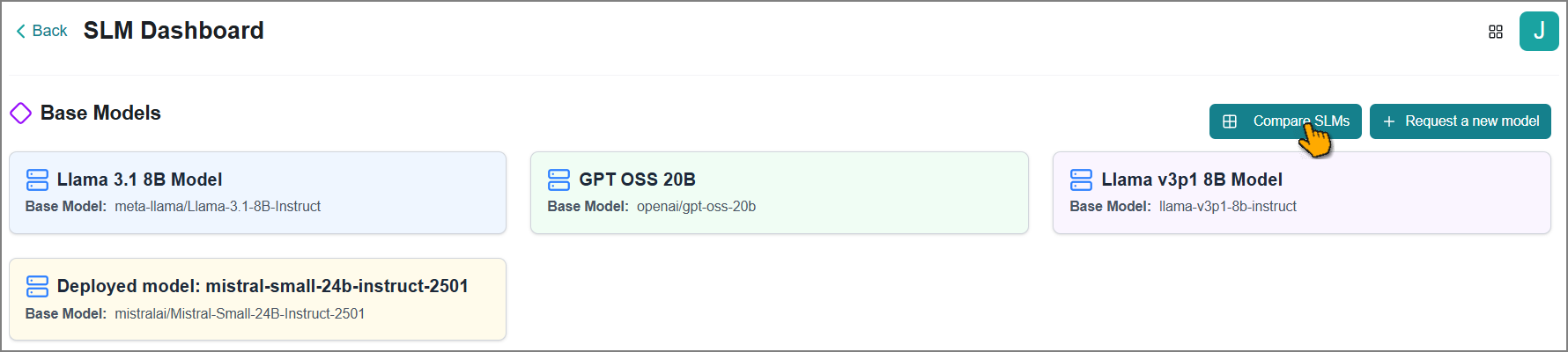
The SLM Comparison page opens and displays default SLMs, along with detailed comparison data for deployed models.
Note
To bring your own SLMs for comparison, please contact your Uniphore Business AI Cloud support representative.
On this page, you can view and perform the following:
Deploy Models for side-by-side comparison.
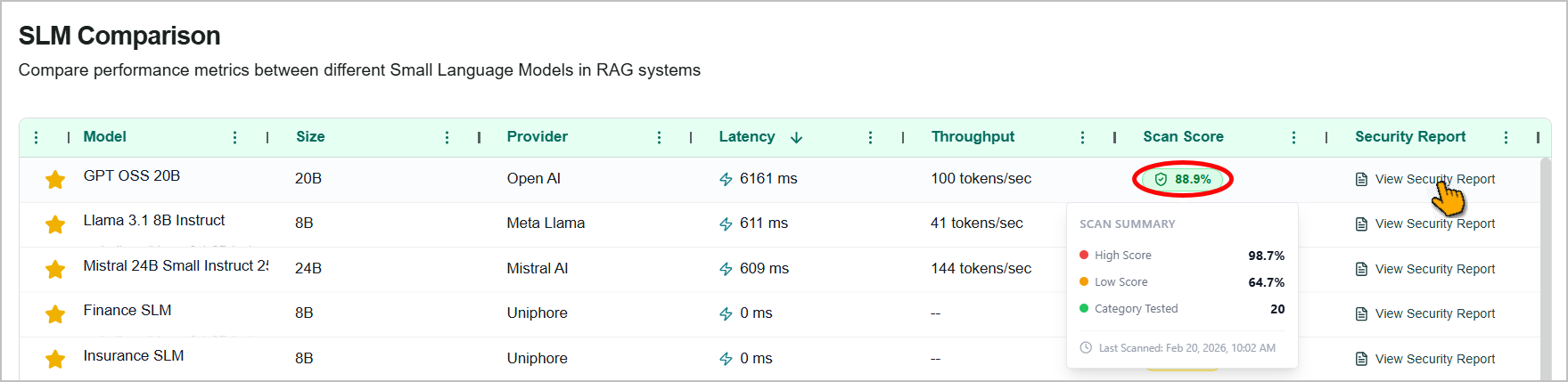
Hover over a model's scan score to view its security scanning score and summary.
Click View Security Report to download a model's scan report.
Deploying a Model
Deploy a model that is ready to use on the platforms.
Click the Deploy Model
 icon.
icon.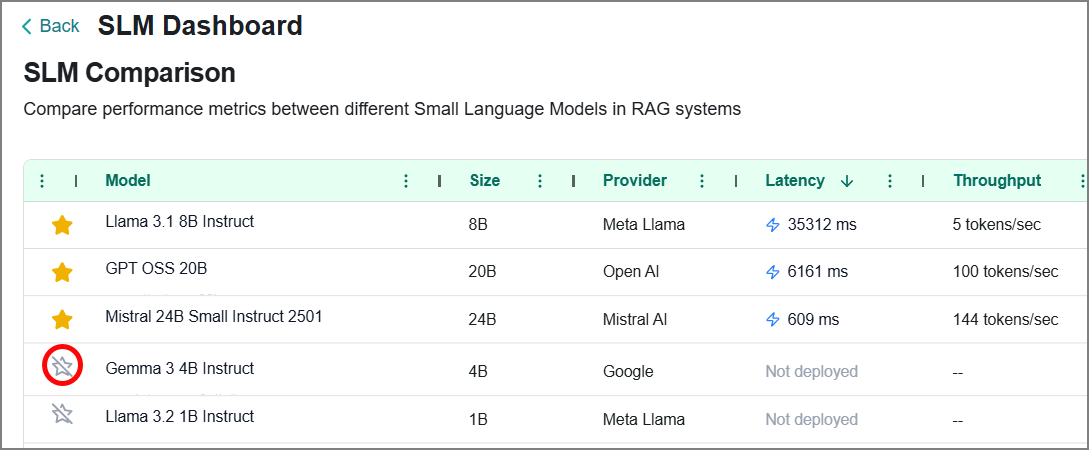
The Deploy Model confirmation window opens.
Click Confirm to proceed.
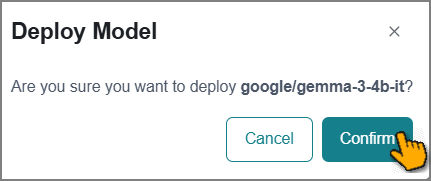
The deployment request is submitted to the platform, which will automatically deploy the model in the background.
Tip
You can expect the model to be fully deployed and ready within a few minutes.