API Reference
This section provides a detailed specification for the Business AI Cloud platform APIs. These APIs enable users to create, configure, and manage intelligent agents tailored to their specific business requirements.
It includes details on available endpoints, authentication methods, request and response formats, error handling, and usage limits to help users effectively integrate the APIs into their workflows.
Note
All APIs are secured with Bearer Token authentication to ensure secure access.
For detailed usage instructions, refer to the API Documentation.
View APIs
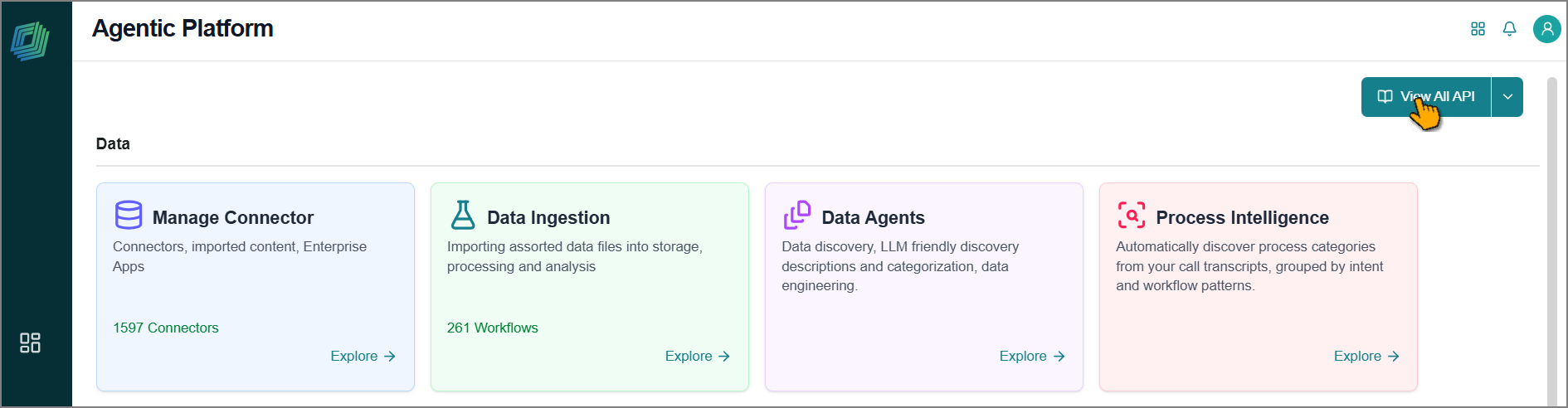
You can navigate directly to the API Documentation or access it from the Business AI Cloud home page.
Click View All API.
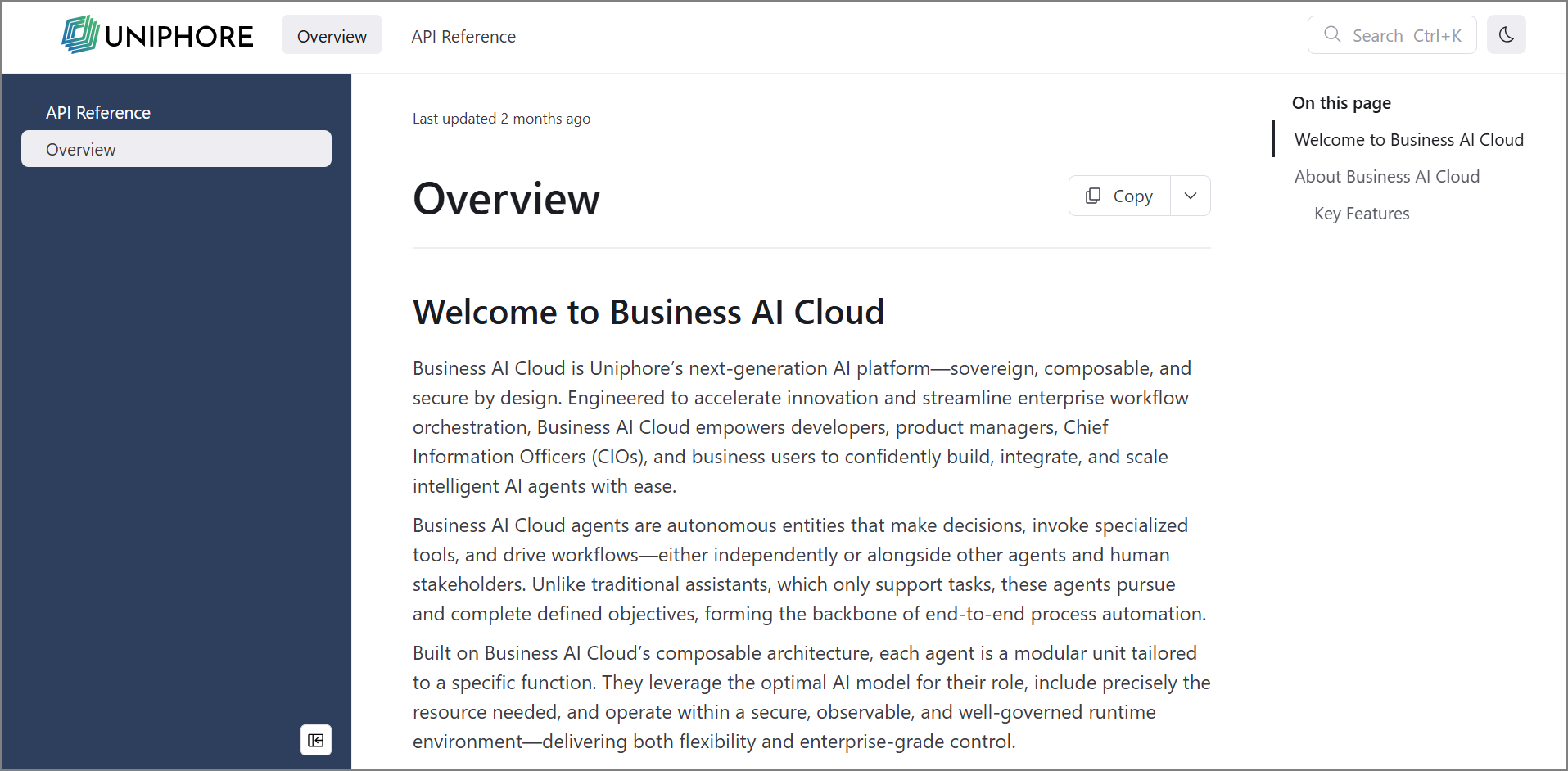
The API documentation opens in a new browser tab with an overview page.
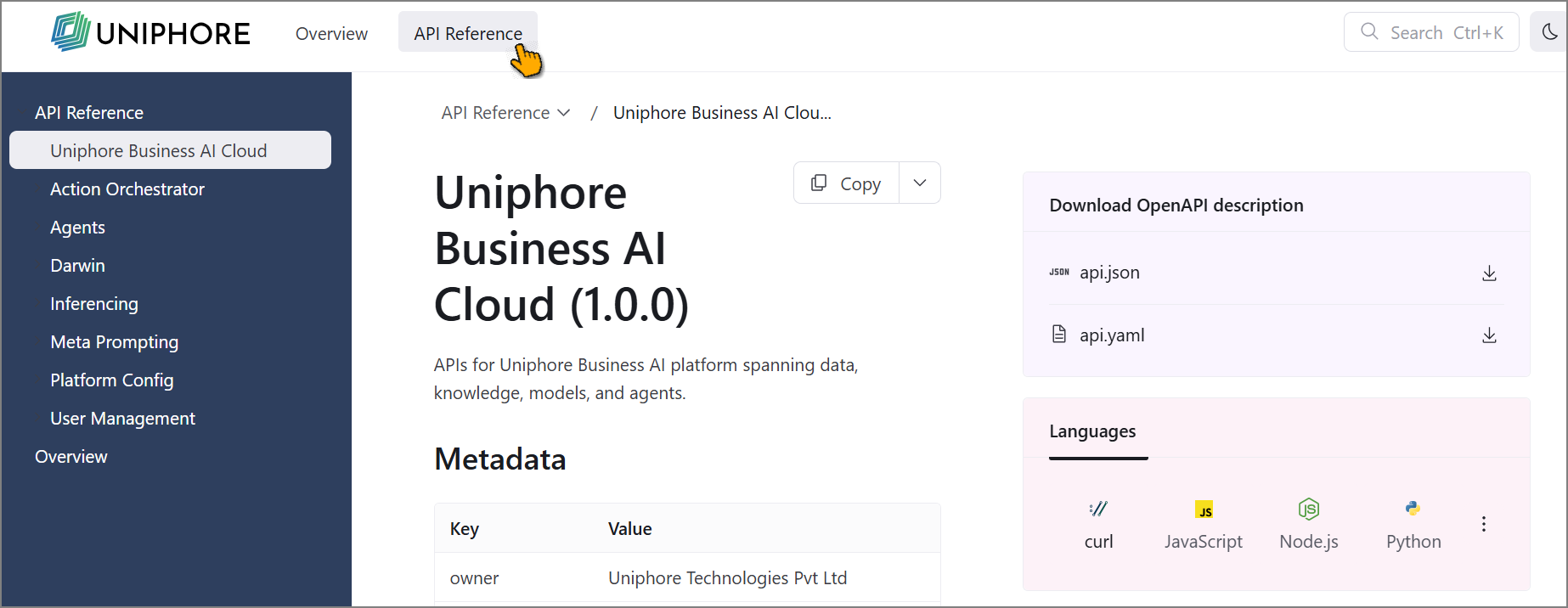
To view all available APIs, switch to the API Reference tab.
APIs are organized by platform function.
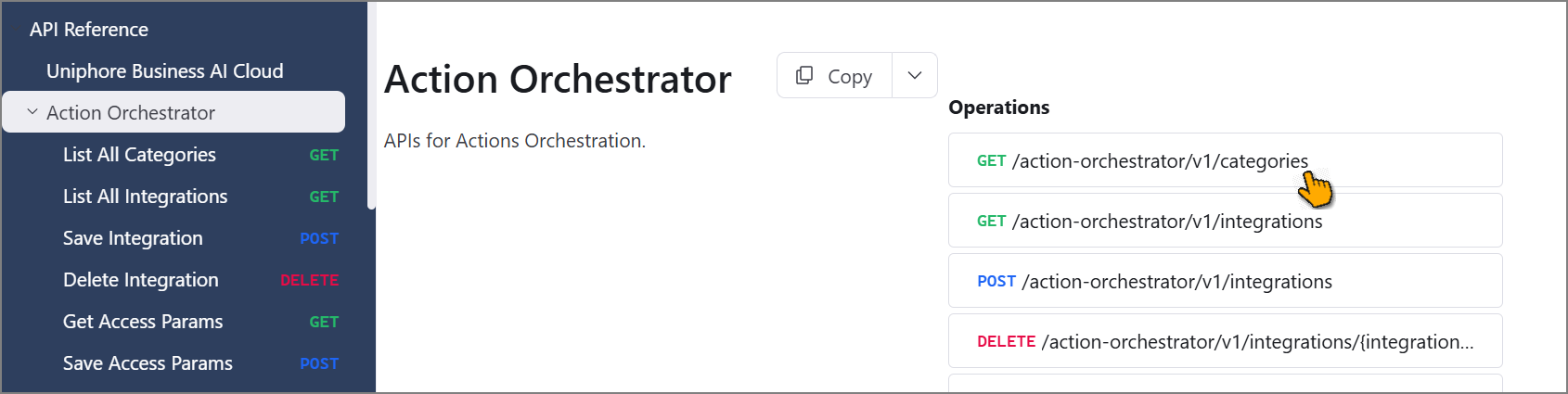
Click an API to view its full details.
Test APIs
The platform allows you to test APIs in real-time directly from the documentation. To test an API:
Click Try it.
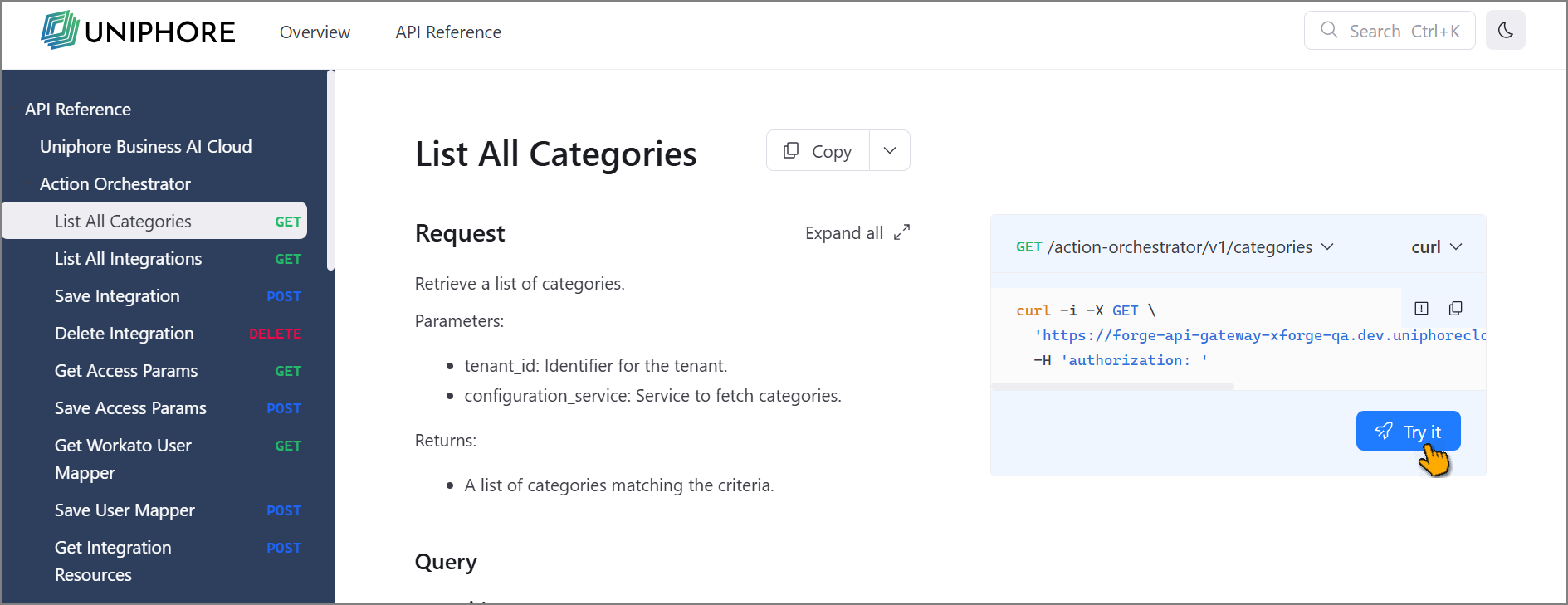
The API interface opens.
Enter the parameters if required.
To authenticate:
Click Security.
Select JWT as the authentication type from the dropdown.
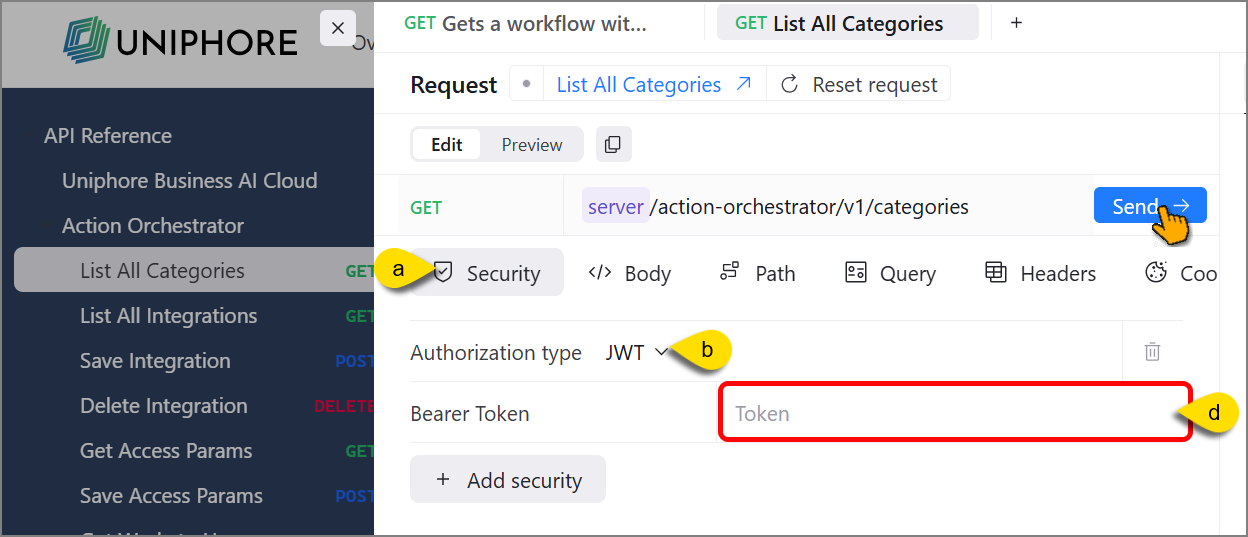
Go to the Business AI Cloud home page, click the dropdown next to View All API, and select Copy Access Token.

Note
Each access token is tied to a specific tenant and can only be used for that tenant's resources.
Return to the API documentation and paste the token in the Token field.
Click Send to execute the API.
The platform executes the action based on the API configuration and parameters you provide.
Tip
After authentication, your token is automatically added to all subsequent API calls, so you don't need to re-enter it.