2026.07 Conversation Insights Agent
Release Date: 19 August 2026
The Conversation Insights Agent 2026.07 Release introduces the following features.
New Features
Introducing Fact Explanation Grouping
Each fact in Conversation Insights Agent includes an LLM-generated answer and a text explanation describing why that answer was returned. Similar explanations across conversations are now automatically grouped into a single standard explanation. This helps standardize explanations of similar facts, enabling users to quickly identify common patterns, KPI-specific best practices, opportunities for improvement, and category-wise summaries, such as AHT deterrents, without reviewing individual conversations.
Ensure that at least 5,000 conversations per fact are available in the tenant to implement fact explanation grouping.
Enhancements
Custom Dashboard Visibility Controls
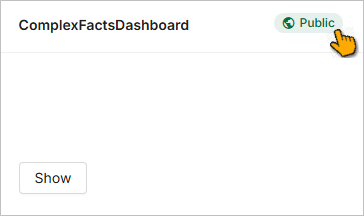
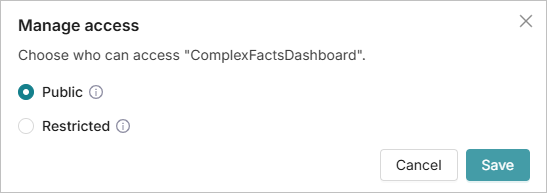
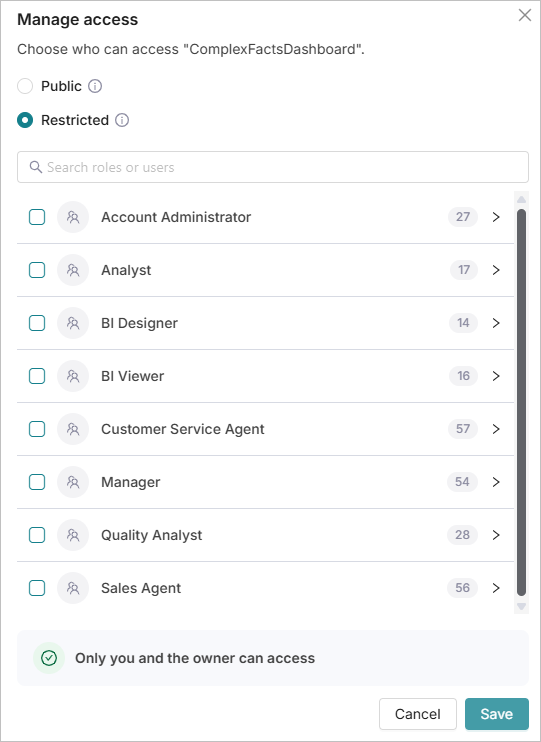
Custom dashboards in Conversation Insights Agent can now have controlled visibility. Dashboard access can be set to Public or Restricted. Existing dashboards are assigned Public access by default. Dashboards with Public access are visible to all users. Visibility access can be set by the Administrator and Analyst. Dashboards with Restricted access are visible to the dashboard owner and users or roles assigned to view the dashboard. For more information on visibility controls, click here.
Call Exclusion Filters for Conversation Insights Agent Processing
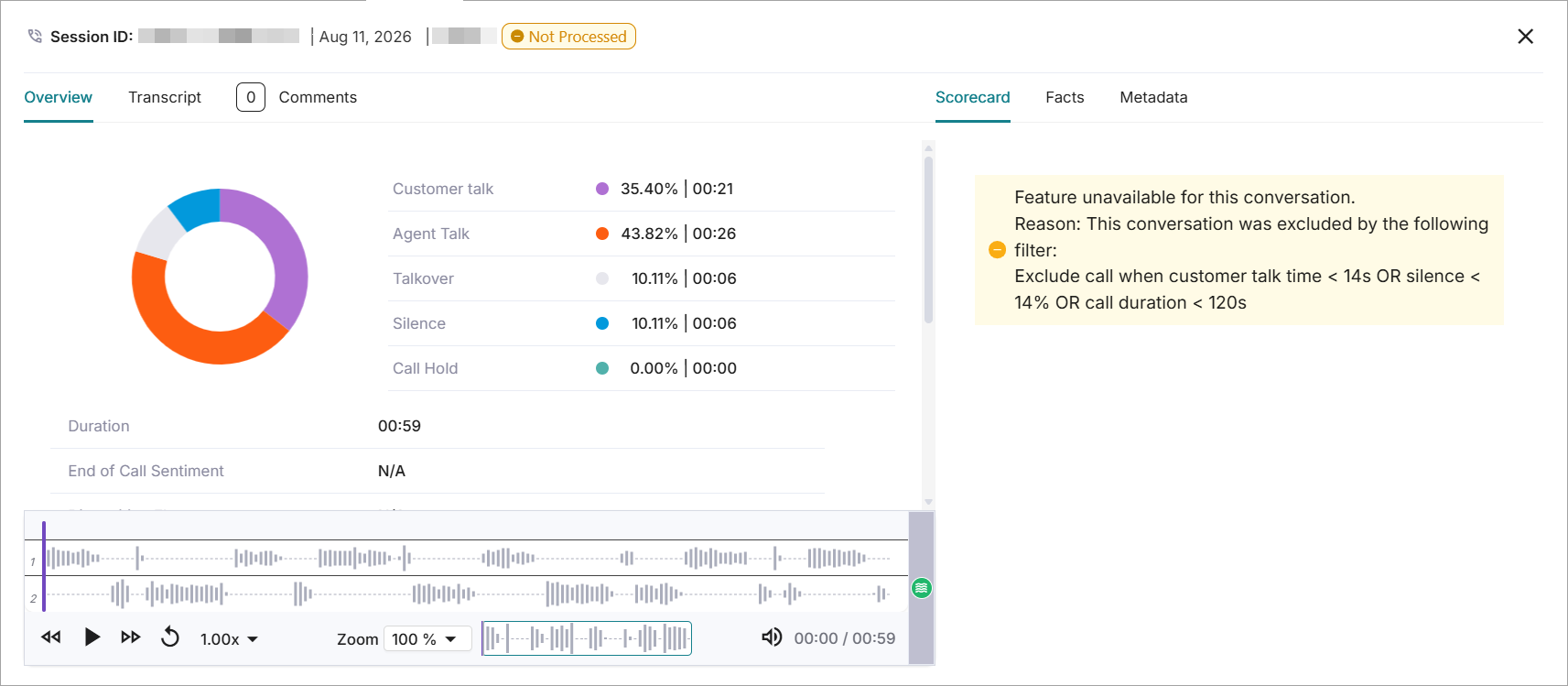
Conversation Insights Agent now supports configurable exclusion of low-value calls from facts and scorecard processing. Tenants can define rules to skip calls, such as calls with very high silence, very short duration, or minimal customer/agent talk time. This improves the accuracy of facts and scorecards, reduces unnecessary processing, and saves review time by filtering out low-value calls.
The tenant-level call exclusion rules can be based on call duration, silence %, hold %, agent talk time, and customer talk time. The rules support up to three components, combined with either AND or OR logic (not both). Based on the rules, the Facts and Scorecard evaluation are skipped. On the Call details page, calls that match the exclusion criteria are marked as Not Processed. The transcript, audio, metadata, and overview are displayed even if the filter is applied. The Facts and Scorecard sections display a message stating that the conversation is excluded from processing, including the filter criteria.
Contact your Uniphore Support Representative to configure the filters.
Conditional Scorecard supports Autofail during Manual Evaluation
The Autofail feature is now supported in Conditional Scorecards during manual evaluation. This enhancement allows the user to apply autofail while manually evaluating the scorecard. Quality analysts can apply autofail during manual scorecard evaluation. Conditional questions are shown based on the answer selected for the base fact:
Positive impact questions: Conditions appear when Yes is selected.
Negative impact questions: Conditions appear when No is selected.
Quality Analysts can modify the automatically selected conditions. The scorecard is autofailed when No is selected for a positive impact question or Yes is selected for a negative impact question.
Constraints and Limitations
There are no constraints and limitations specific to this release.
Bug Fixes
There are no defects specific to this release.