Transcript
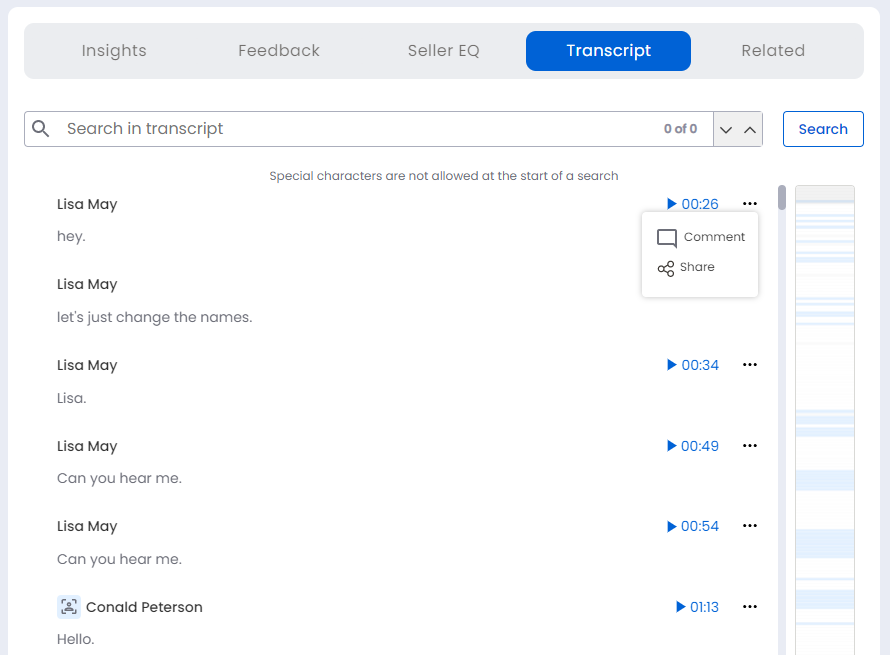
It shows the meeting transcript. Use the vertical scroll bar on the right to navigate the transcript. From the transcript block you can play, add a comment or share the video clip.
The search bar allows you to conduct a keyword (s)-based search through the entire meeting transcript. Use the up/down arrows to move to the next/prior search instance in the transcript.
From the vertical Key Moments Ribbon, you can click on the colored bands to go to that key moment location in the meeting.