Team EQ
The Teams Page allows sales managers to monitor and manage employee performance and guide them with best practices. Managers get a summary view of their team members' customer engagement effort, organized by the customer pulse (customer sentiment and engagement). Along with the sentiment value, they can also gain insights into the customer engagement level and the reps' conversational metrics. Sales managers can inspect the team KPIs over the past weeks, along with the contribution from individual sales reps in a leaderboard format. In addition, the manager can directly leave coaching comments.
Note
The Teams Page is only available to managers.
From the Teams page, click a tab to navigate to:
Summary: (default): Each team member’s EQ result is shown in a table format.
Customer Trends: Shows the trend of customer sentiment and engagement.
Convo Stats: Shows the trend of reps’ conversational metrics.
Key Topics: Shows the discussion topics being covered during the sales meetings.
Activities: Shows the sales activity metrics (number of emails, number of sales meetings, etc.).
Detailed View
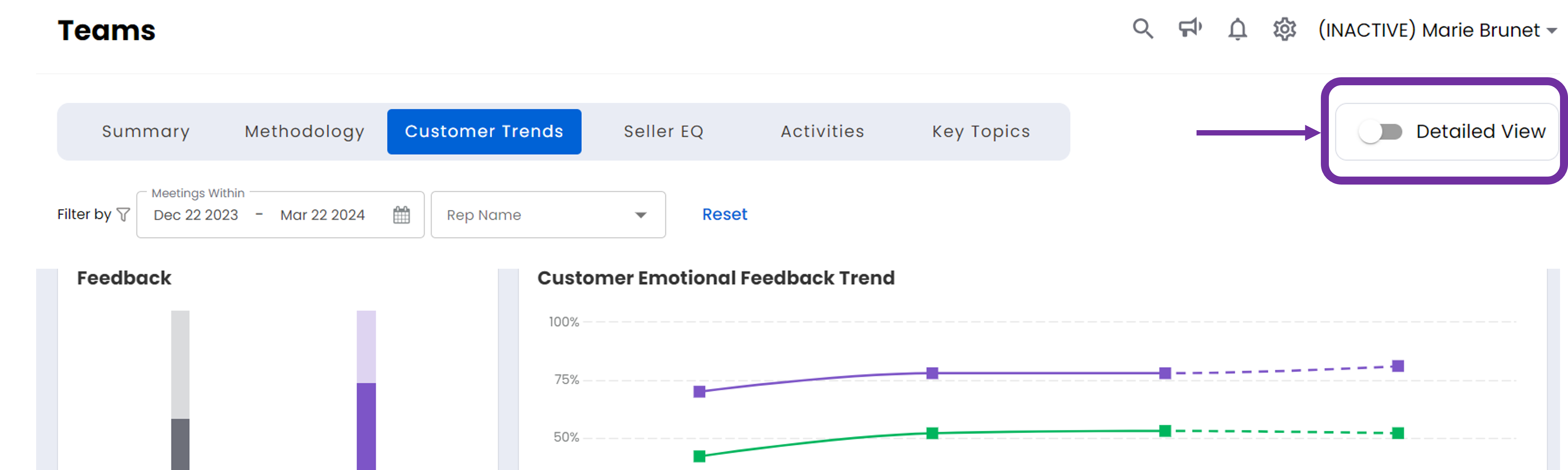
The Detailed View toggle switch allows you to toggle between Dashboard View and Detailed View. Except Key Topics, all other tabs of Team EQ has toggle switch available.