Recording Verification
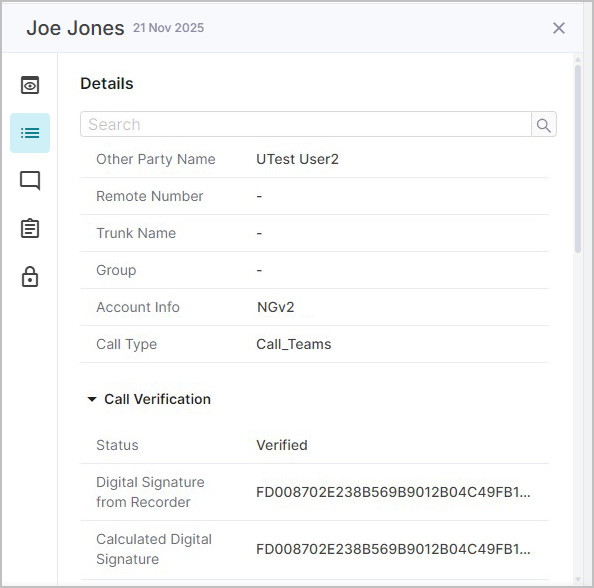
Each recording is verified with a unique digital signature to ensure media data has not been tampered with — useful for legal and compliance data verification. To view verification details for an individual recording, select the call in the Results panel, open the Properties panel, select the Details tab, and scroll down to the bottom to see Call Verification.
Note
Verification access is optional. You may not have permission to view the details. If needed, see your System Administrator for help.