MEDDIC
Consists of the category wise list of key phrases used in the MEDDIC Sales Qualification Framework which you want the "Sales Interaction Agent" app to scan for during your meetings.
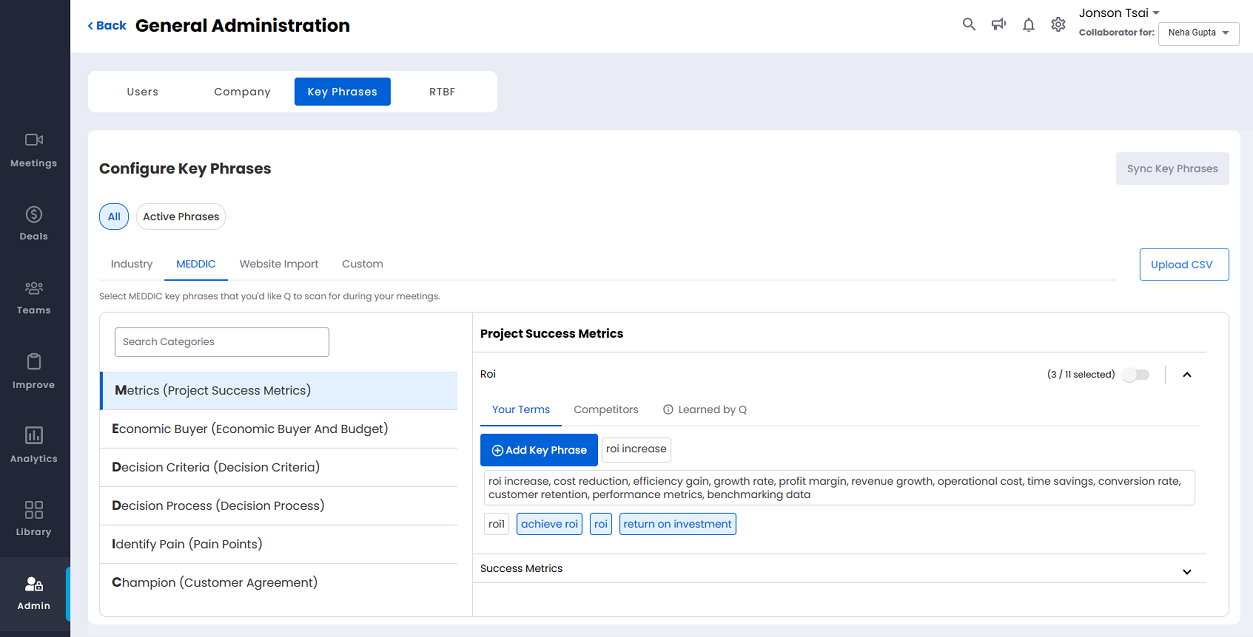
1. Search Categories
Key in the name of the category to search from the list of available categories.
2. List of Available Categories
All the available categories are listed here in an alphabetical order.
3. Category Detail Pane
Shows the various subcategories of the selected category. Click the downward/upward arrow to expand/collapse the subcategories. Each of the subcategories consists of two tabs as follows:
The number of key words/phrases selected under a subcategory is shown on the right of the subcategory along with a toggle button to activate/inactivate all the available key words/phrases.
When you toggle to activate all the available key words/phrases a pop out is displayed as shown below.

Click Confirm to activate all the available key words/phrases. Click Cancel if you don't wish to activate all the available key words/phrases.
When you toggle to inactivate all the available key words/phrases a pop out is displayed as shown below.
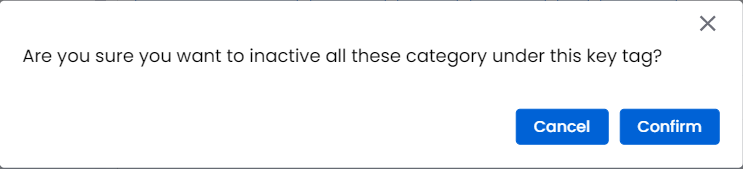
Click Confirm to inactivate all the available key words/phrases. Click Cancel if you don't wish to inactivate all the available key words/phrases.
The key words/phrases can be activated/deactivated individually as well.
Click an active key word/phrase to make it inactive. When you click an active key word/phrase a pop out is displayed as shown below.
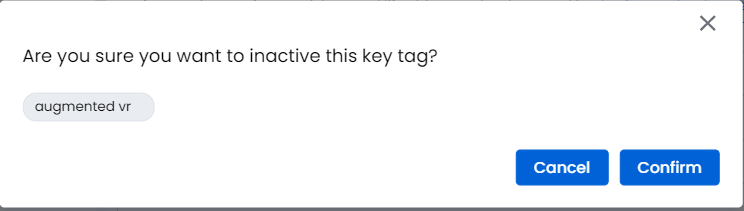
Click Confirm to inactivate the key word/phrase. Click Cancel if you don't wish to inactivate the key word/phrase.
Click an inactive key word/phrase to make it active. When you click an inactive key word/phrase a pop out is displayed as shown below.
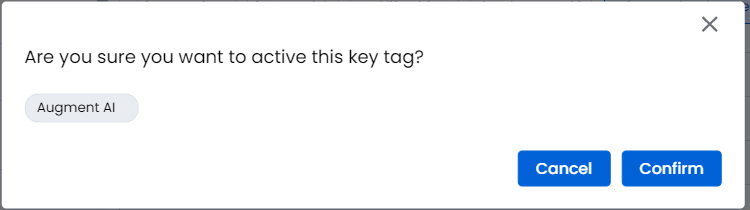
Click Confirm to activate the key word/phrase. Click Cancel if you don't wish to activate the key word/phrase.