Executing a workflow
To execute or run a UI automation workflow, click the “Run“ button from the workflow details page, or from the extension side panel.
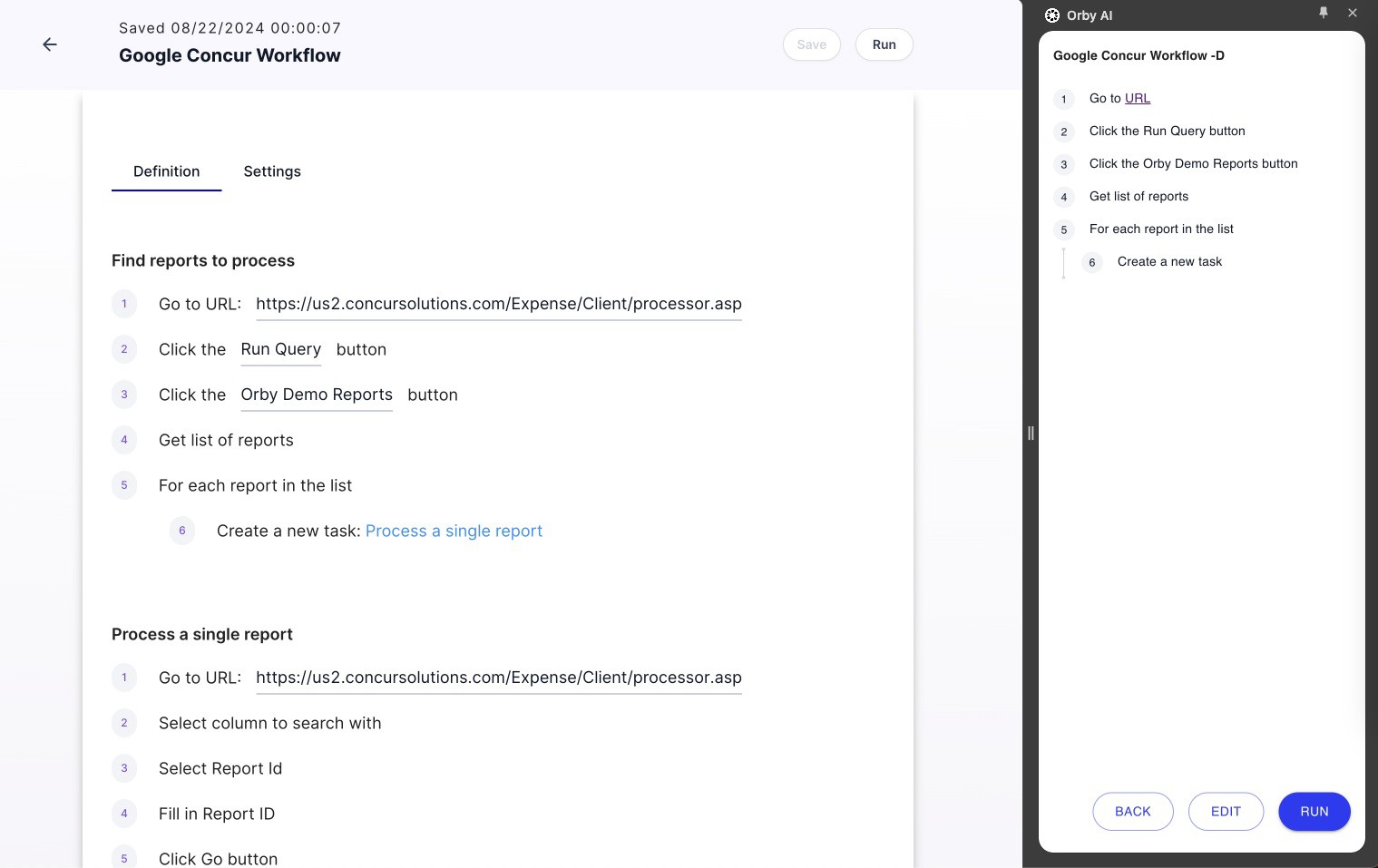 |
As Orby is executing, a separate window will start the execution in different tabs
 |
Meanwhile, the admin or users will see the Orby character moving around executing the workflow, the completed step will turn green on the side panel. The execution can be stopped any time manually.