Delete an Agent
In Agent Studio, locate the agent you want to delete.
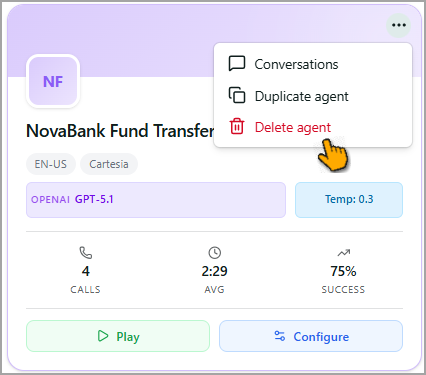
Click More options (
 ) and select Delete to permanently delete the agent.
Deletion restrictions
AI Agent - You cannot delete an AI Agent while it is linked to a Telephony Agent or Guidance Agent. Unlink the AI Agent from the associated agents before deleting it.
Telephony Agent - You cannot delete a Telephony Agent while it is used as the starting point in a flow. Remove the Telephony Agent from the flow before deleting it.