Configurations
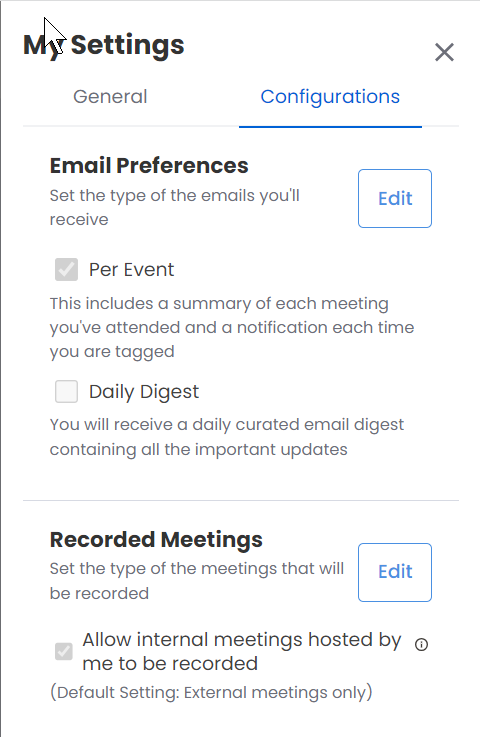
The configurations tab displays the following information:
Email Preferences:
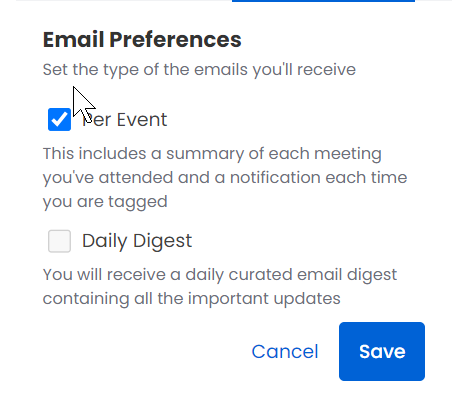
Here you can configure your email preferences. You can select/deselect Per Event and/or Daily Digest check boxes.
To configure the email preferences, follow the procedure listed below:
Click on the Edit button. You can now select/deselect the check boxes.
If you select the Per Event check box you will receive a summary of each meeting you've attended and a notification each time you are tagged.
If you select the Daily Digest check box You will receive a daily curated email digest that contains all the important updates.
Click Save to save the configuration or alternately you can click Cancel to cancel the configuration settings.
Recorded Meetings:
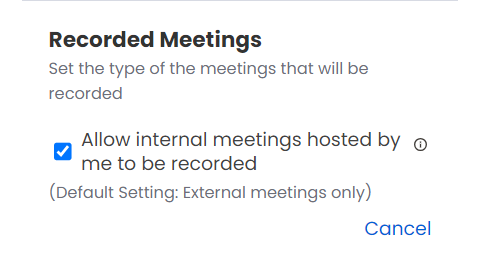
Here you can configure the type of meetings that can be recorded. By default, only external meetings are recorded. To record internal meetings also you must select the Allow internal meetings hosted by me to be recorded check box. However, meetings that are marked private on the calendars are never recorded or processed.
To configure the recorded meetings, follow the procedure listed below:
Click on the Edit button. You can now select/deselect the check box.
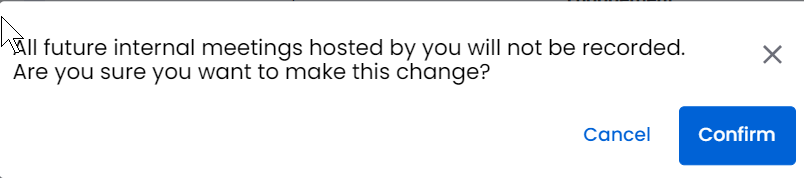
When you select the Allow internal meetings hosted by me to be recorded check box a confirmation window pops out. Click Confirm to proceed with the selection or alternately you can click Cancel to cancel the selection.
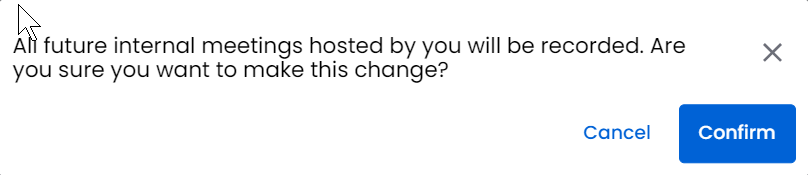
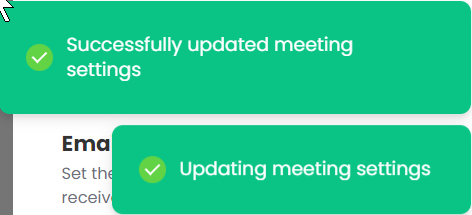
After you click Confirm two notifications pop out. The first notification Updating meeting settings is followed by Successfully updated meeting settings notification.
When you deselect the Allow internal meetings hosted by me to be recorded check box a confirmation window pops out. Click Confirm to proceed with the deselection or alternately you can click Cancel to cancel the deselection.
After you click Confirm two notifications pop out. The first notification Updating meeting settings is followed by Successfully updated meeting settings notification.