2026.02 Communication Recording Agent
Release Date: 10 March 2026
New Features
Locks
The following new lock features have been introduced:
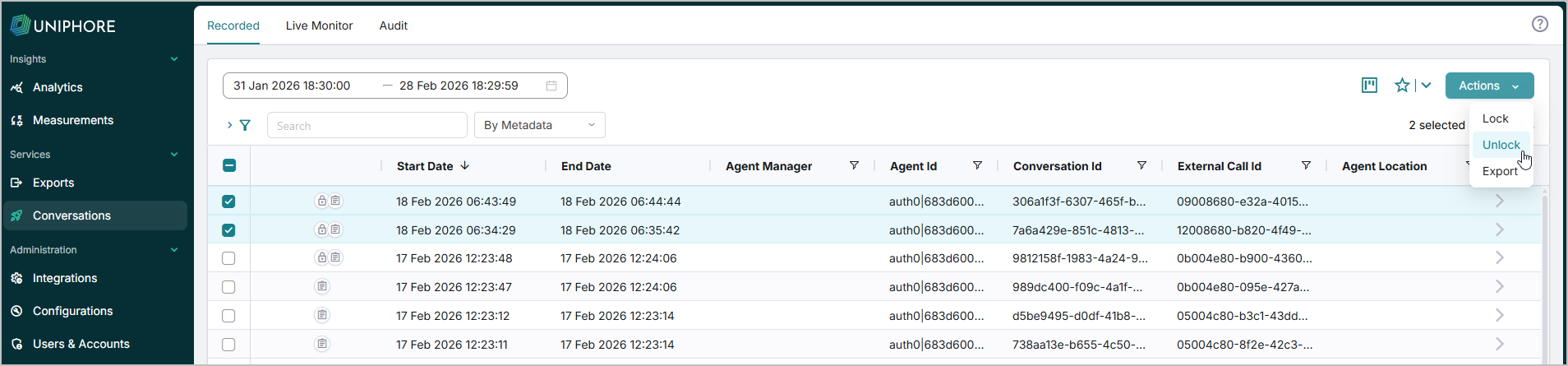
More than one conversation can be locked and unlocked at a time. Select the conversations to lock/unlock, click the Actions dropdown, then select Lock or Unlock.
Conversation exports now include a separate metadata file for each conversation containing lock-specific information such as lock status and descriptions. The exported file type depends on the export settings, either CSV or JSON.
Agents can now only remove the locks they have added to a conversation. Account Administrators can view and remove any lock from a conversation individually from the locks tab of the properties panel, or remove all locks from conversations by selecting the conversations, clicking the Actions dropdown, and selecting Unlock. Other users can only see and remove the locks that they have added to a conversation. The Lock flag appears next to locked conversations regardless of a user's permissions.
For more information, see Conversation Locks.
Conversation Ingest and Metadata Mapping APIs
The following new APIs have been deployed to the UK cluster. To use the APIs below with tenants deployed in other clusters, please contact your Uniphore representative.
Ingest Conversations: Upload .WAV audio files and associated metadata for conversations previously captured outside of the platform. For more information, see Ingest API.
Metadata Mapping: Set up the mapping between the conversation metadata you intend to ingest and the Communication Recording Agent metadata fields. For more information, see Metadata API.
Enhancements
Conversation Search Dropdown
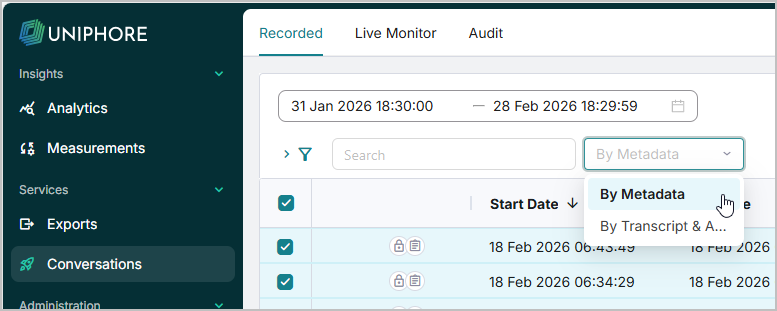
Users can now choose between searching across Communication Recording Agent standard conversation metadata, such as Agent First Name, Third Party Name, etc, or across Annotations and Transcriptions. This capability is provided using a dropdown next to the Recorded page Search bar as such:
For more information on searching and filtering your captured conversations, click here.
Case-insensitive Search
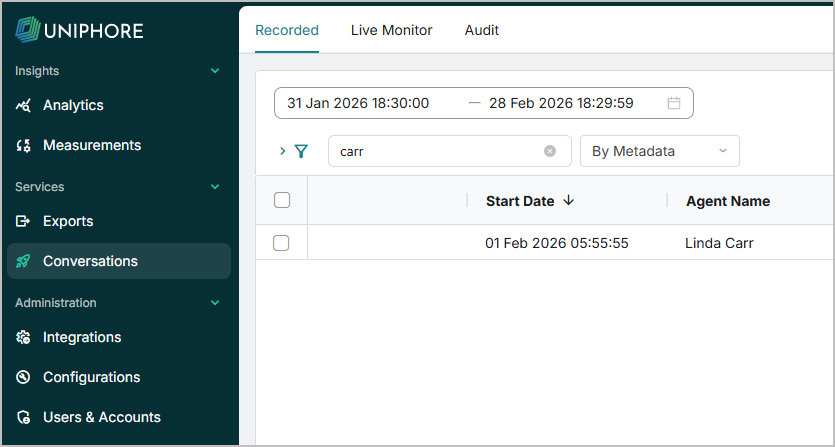
Search fields and filters across Communication Recording Agent are now case-insensitive, making it easier to find and filter your conversations when searching for conversations and configuring policies to apply to conversations matching specific criteria.
For more information on using the conversation search features, click here.
For more information on configuring Policies, click here.
Screen Recording Event ID
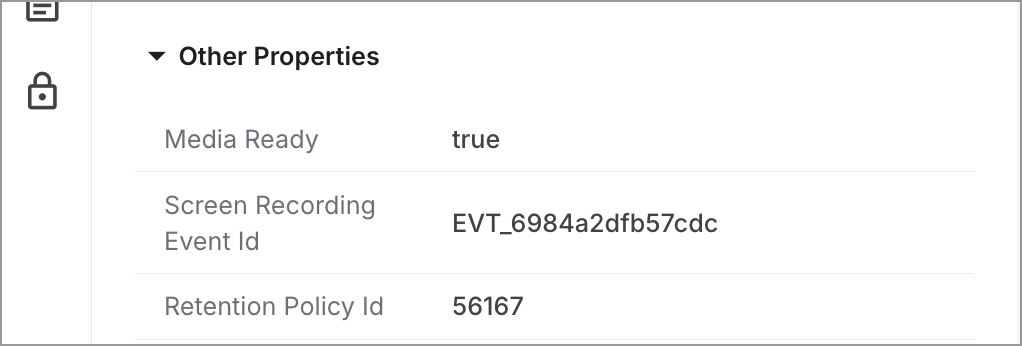
For screen-recorded calls, Call Push policies now include the Ekisa Event ID, for example, EVT_6784e2xam57ple. Use these IDs to manually fetch screen recordings directly from Ekisa.
Constraints and Limitations
There are no constraints or limitations specific to this release.
Bug Fixes
There are no bug fixes specific to this release.