Enabling Real-Time Guidance Agent for Your Account
Before you can start working with Real-Time Guidance Agent, your Uniphore System Admin needs to set up Real-Time Guidance Agent AI connections for your account.
From the X-Console Real-Time Guidance Agent in Call menu, select AI Model. If the Enable splash panel is displayed as below, contact your Uniphore System Admin or sales representative to complete the process.
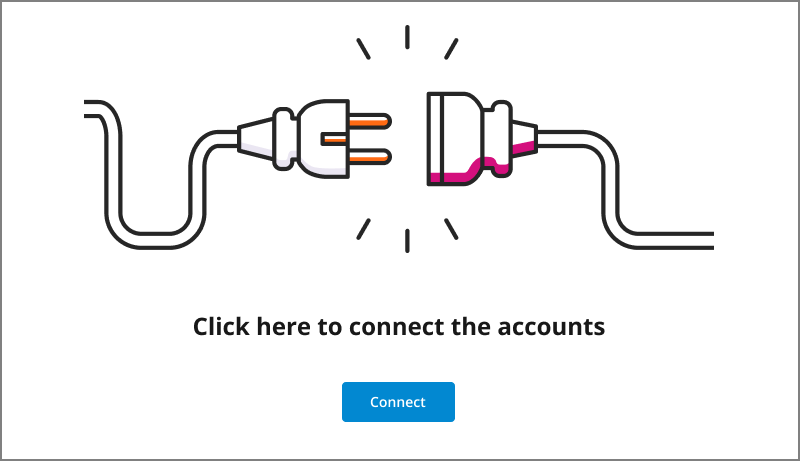
After the Real-Time Guidance Agent AI Model has been connected for your account, you will be able to view and navigate it on the AI Model page.
For complete information about working with the Real-Time Guidance Agent AI Data Model, see the Real-Time Guidance Agent Guide.