Conversations in Self-Service
In Self-Service Conversations, the key conversation data for all sessions of a specific AI Agent and Language are displayed. For a given Conversation, the overall call emotion and the transcription of the call are shown. Conversations can be filtered by date range, AI Agent name, Language, and Session ID. By default, the data of all AI Agent-Language combinations for the last 7 days is displayed.
To View the Conversations:
Navigate to the left pane and select Conversation > Self-Service.
Click the date range from the date filter at the top right and select any one of the given date ranges below. By default, the last 7 days of data are displayed. To view the data for a period of your choice, modify From Date and To Date manually.
Yesterday: The data for the past 24-hour period, including the current date/hour/minute/second, is displayed.
Last 7 days: The data for the last 7 days, including the current day, is displayed.
Last 30 days: The data for the last 30 days, including the current day, is displayed.
Select the AI Agent to filter and view the chosen AI Agent's Conversation.
Select the Language to filter and view the Conversations available for the chosen language.
Enter the Session ID to filter and view the conversation associated with the given ID.
Once the necessary filters are applied, the list of Conversations is displayed. To clear all applied filters, click Refresh.
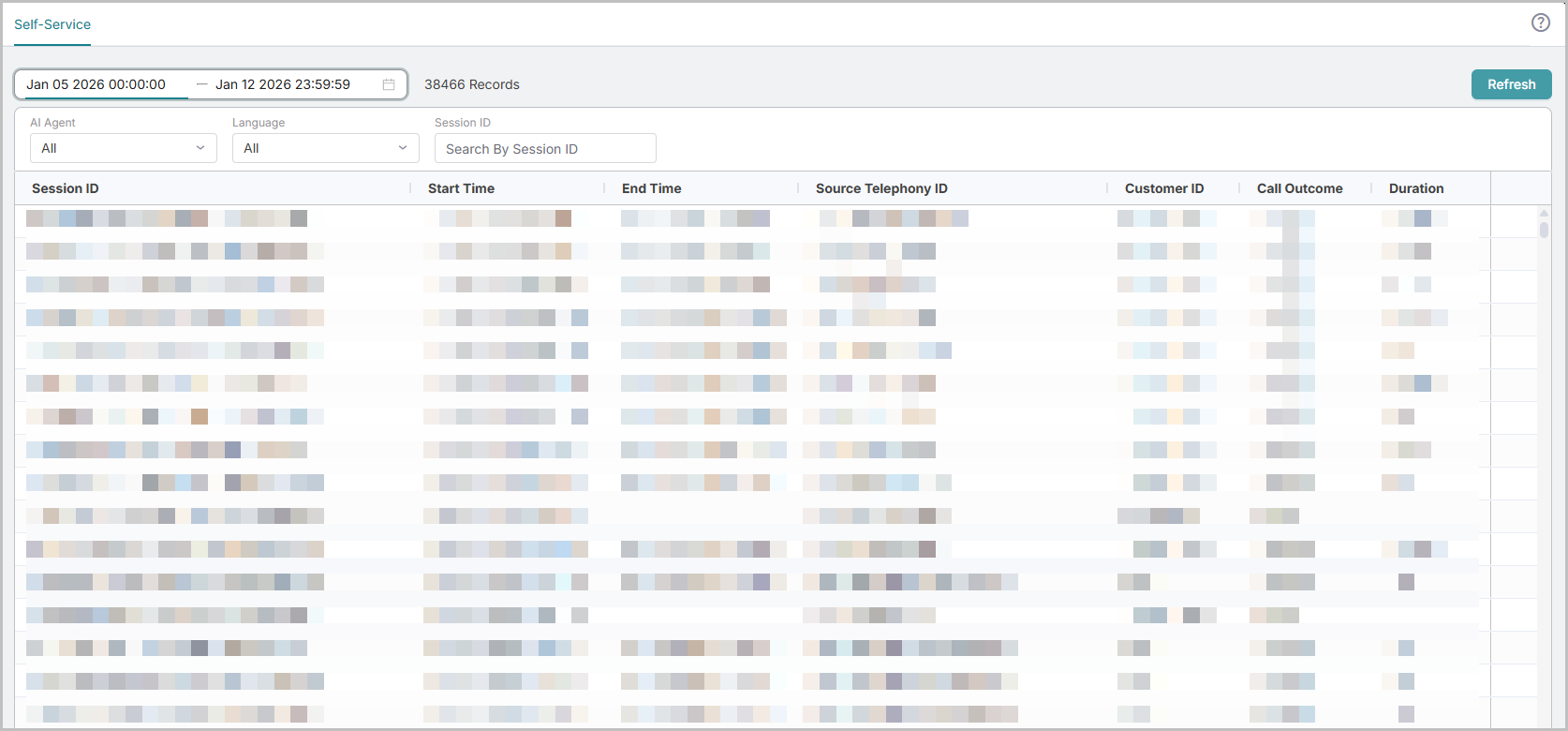
Field Name | Description |
|---|---|
Session ID | The unique ID of the Conversation. |
Start Time | The date and time when the conversation is started. |
End Time | The date and time when the conversation is ended. NoteThe End Time is not displayed for Active calls. |
Source Telephony ID | The unique ID of the incoming call, provided by the source telephony system. NoteThe Source Telephony ID is applicable for Audio (voice) calls only, and NA is displayed for chat conversations. |
Customer ID | The caller's phone number. |
Call Outcome | The status of the call. The available statuses are:
|
Duration | The length of the Conversation in hour-minute-second format. |
Conversation Details
The Conversation details display a preview of the Conversation, which includes the Start Date, End Date, Session ID, External Telephony ID, Duration, Emotion (Positive, Negative, or Neutral), Call Outcome, and Type (Audio). You are allowed to copy the Session ID and External Telephony ID.
To View the Conversation Details:
Click the > icon at the end of the conversation row. By default, the preview is displayed.
Click the Preview icon
 to view the following details: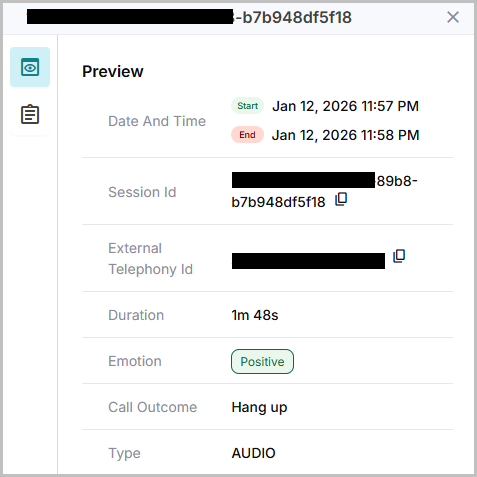
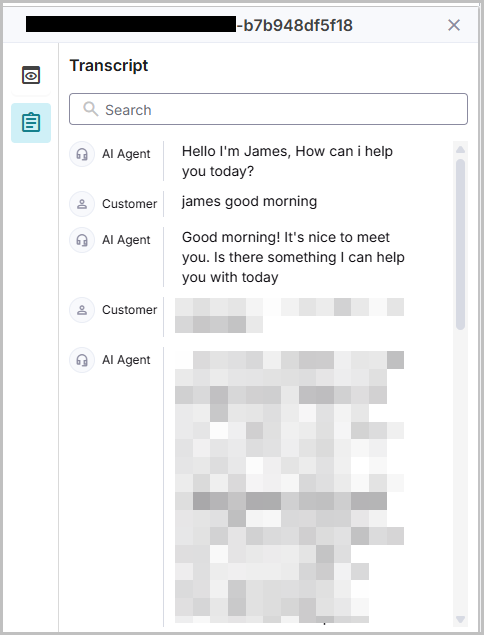
Click the Transcripts icon
 to view the transcript of the entire conversation. The transcript contains each turn of the AI Agent and the customer.