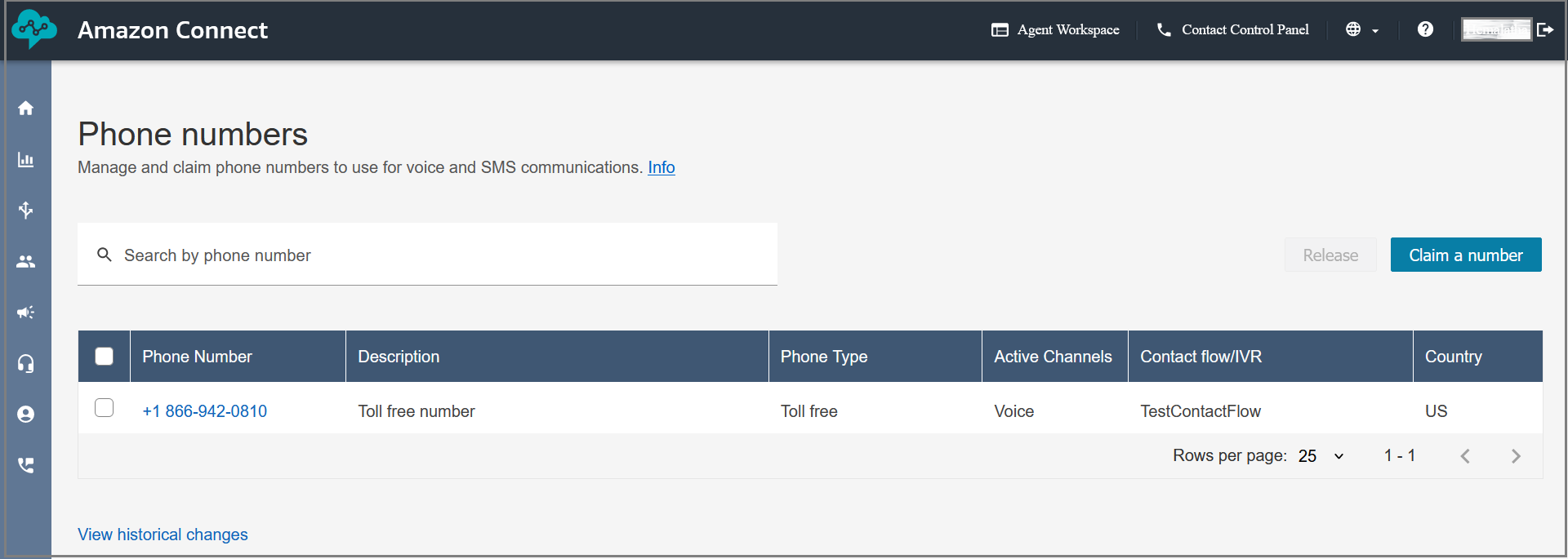
Claim a Phone Number
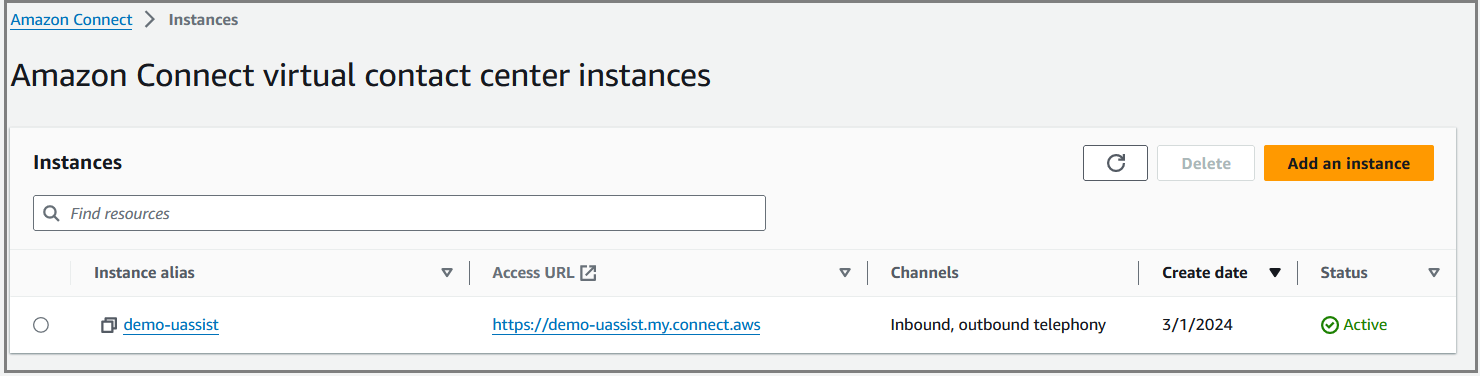
Login to Amazon Connect instance as an Admin using the access URL.
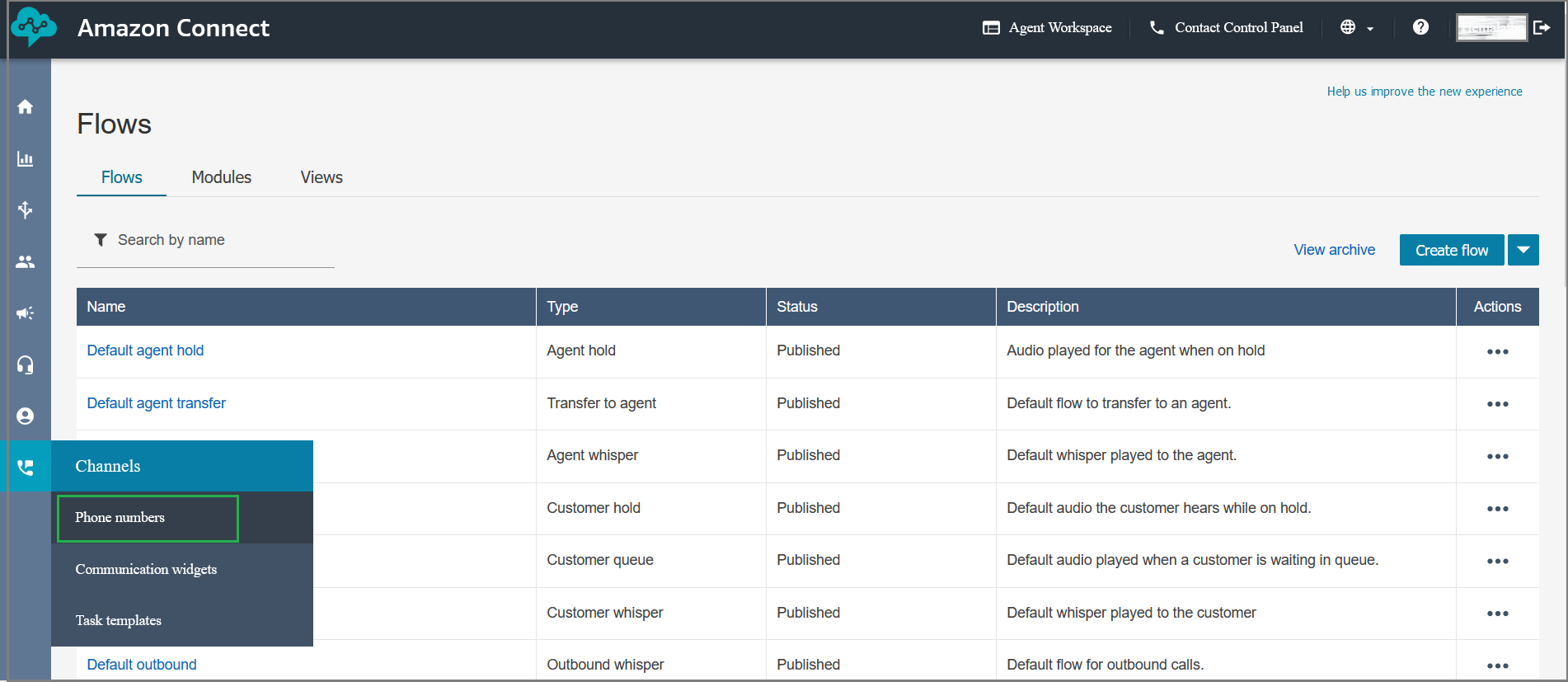
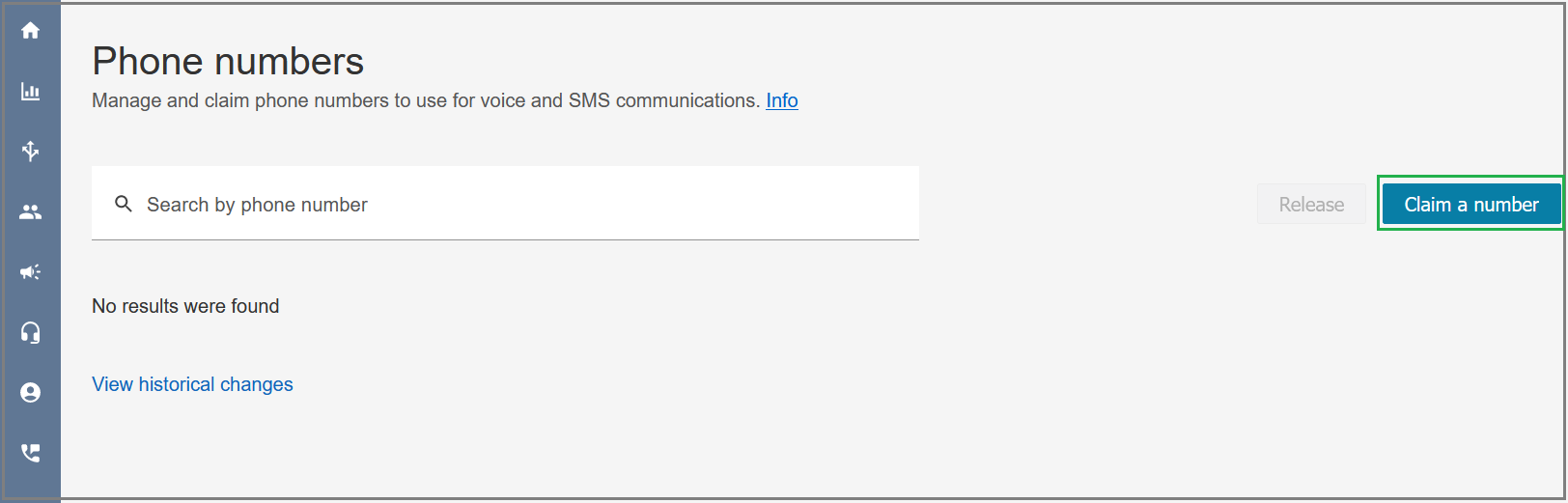
Select Phone numbers from the left pane and then click Claim a number.
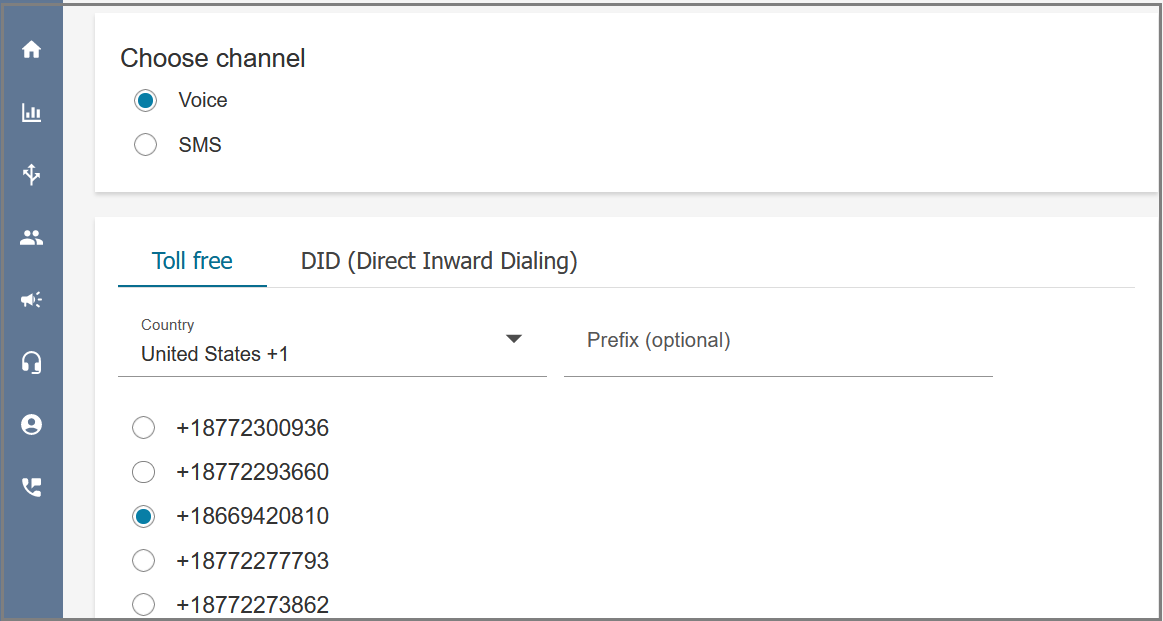
The Voice channel is selected by default. Select the Country and Toll free number.
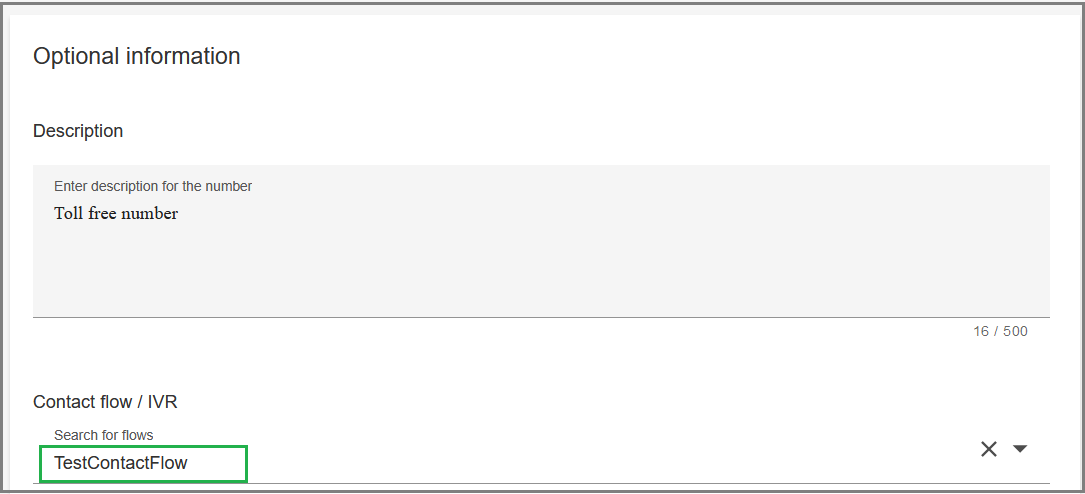
Enter a description for the number and select the imported contact flow from the Contact flow / IVR drop-down list.
Click Save at the top of the page. The claimed phone number will be listed in the Phone numbers page.